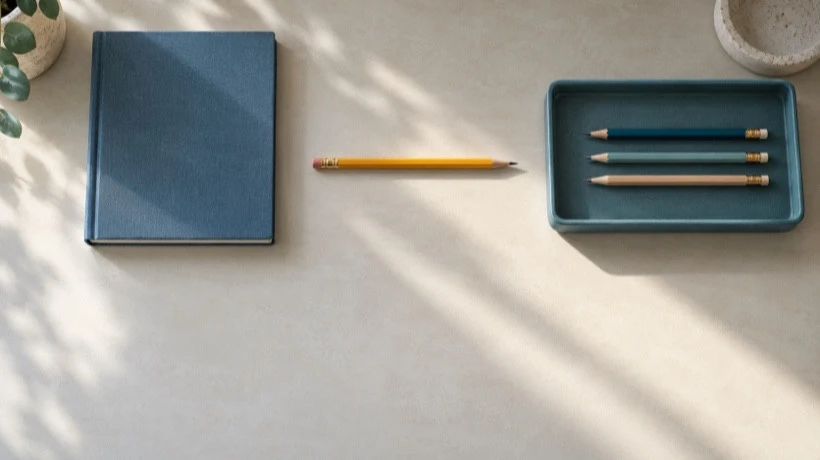
A tidy-desk article does not automatically need a video. If the reader wants to know where the pencils go, one clear overhead photograph may answer the question faster than a moving clip.
Motion becomes useful when the change itself matters: which way an object moves, how a composition shifts, or what a small atmospheric detail adds to a scene. Before choosing a free image-to-video generator with no signup required, finish this sentence: “The reader needs to see…” If the answer describes an arrangement rather than a change, start with a still.
The desk exercise below is a planning example. Its drawings and suggested prompt illustrate a method; they are not results from a generator or evidence that a physical task works.
Pick the format from the reader's question
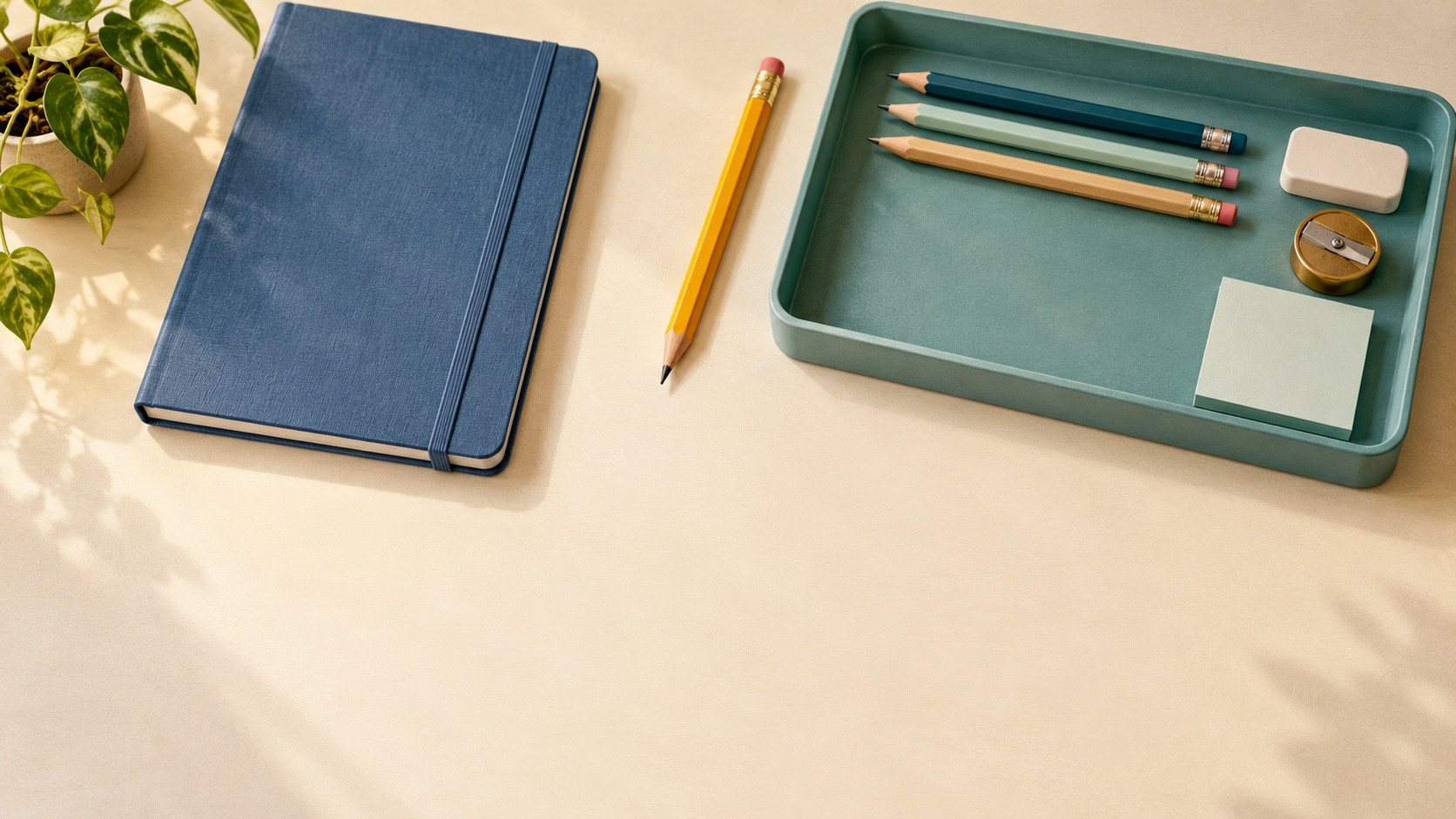
Imagine a small desk with a notebook, a shallow teal tray, and some pencils. You are explaining how to keep the writing area clear. Three different reader questions call for three different treatments.
“Where should everything go?”
A useful format: One still photograph with a short explanation.
Why it fits: The final arrangement is the information.

“How could this scene change in a short introduction?”
A useful format: A small generated motion concept.
Why it fits: You are exploring a visual idea rather than proving a practical step.

“How do I lift this tray without spilling it?”
A useful format: A real recording of the action.
Why it fits: Grip, weight, clearance, and timing need observation.
For a blog introduction, a pencil sliding toward a tray might suggest the idea of bringing scattered things together. In a practical tutorial, that same self-moving pencil could be confusing. A reader may reasonably expect to see the hand doing the work.
There are three good reasons to explore a short motion concept: showing the direction of a change, checking the pacing of a visual transition, or adding a restrained atmospheric detail. A curtain moving behind a desk can establish a breezy room, for example. It does not explain the storage system.
Keep a still when the reader needs to inspect labels, compare small details, or study a finished layout. Record the real action when the article teaches assembly, safe handling, a product mechanism, or an outcome you want the reader to trust.
Give the draft one visible job
For this exercise, choose a modest goal: “Explore whether a pencil moving into a tray would make a useful opening shot.” Do not ask the same five-second draft to clear the desk, rearrange the notebook, change the lighting, and introduce a new camera angle.
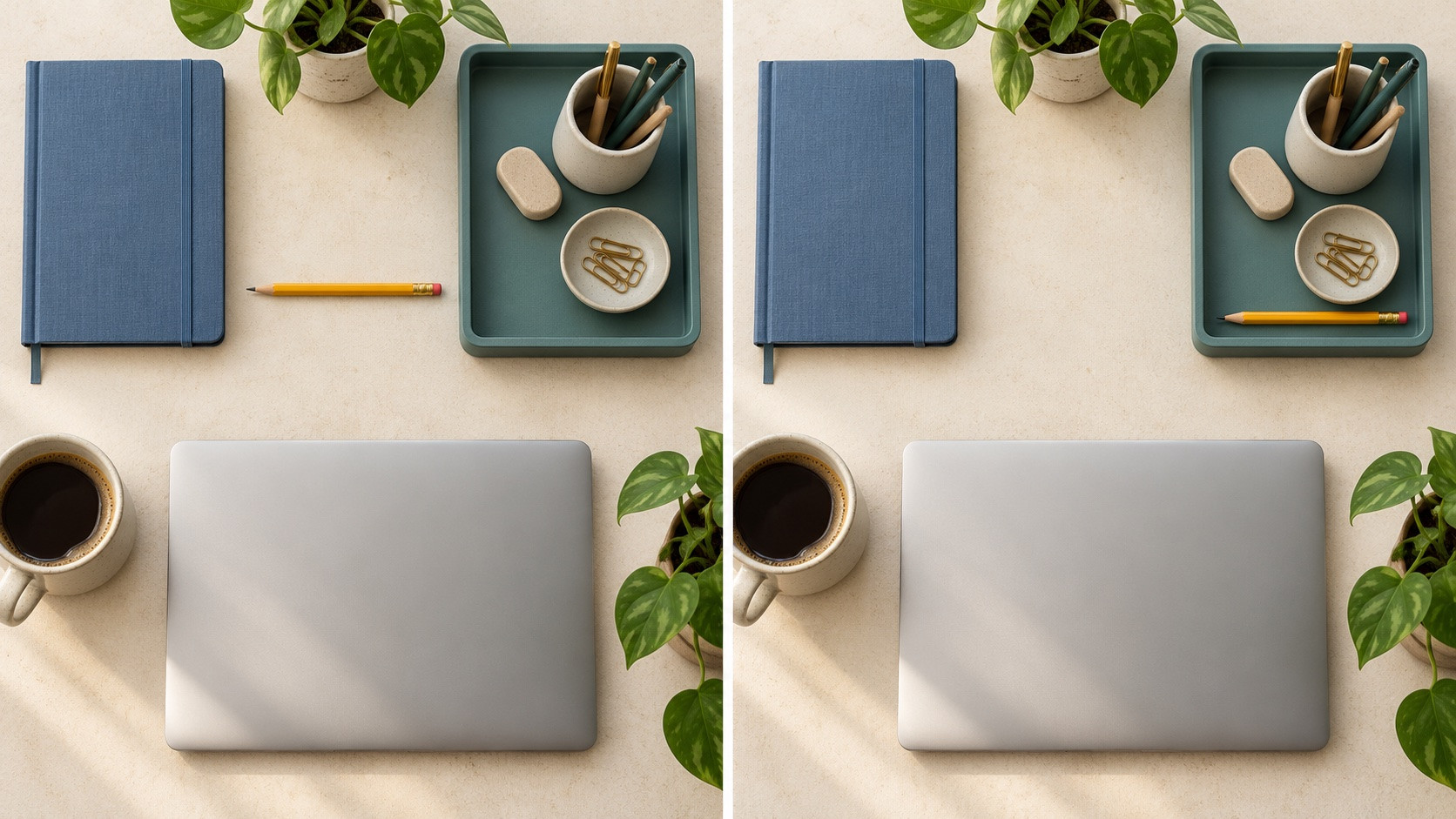
Prepare two compatible reference pictures. In the first, one yellow pencil rests beside the tray. In the second, it rests inside the tray. Keep the tray, notebook, desk edge, light, and overhead view as similar as possible. Leave enough room around the pencil for the intended motion.
The pictures describe your desired endpoints. They do not prove that the model will preserve every edge or find a sensible path between them.
Write the motion separately from the scene description:
Locked overhead view of the same desk. One yellow pencil slides slowly from beside the shallow teal tray into the tray, ending at rest. Keep the tray, notebook, lighting, and camera position unchanged. Do not add other moving objects.
This is a proposed image-to-video prompt, not a successful recipe. A shallow rim may still cause an implausible transition. If the point is to teach someone how to put a pencil away, film a hand placing it instead.
For an inexpensive concept draft, Sea Imagine AI currently provides a free image-to-video form without signup. It accepts optional opening and closing reference images, offers 16:9, 9:16, or 1:1 compositions, and lists a five-second 480p output. Complete the verification step and allow for queue waiting. Choose the shape your article needs before preparing the reference pictures.
Disclosure: This article was prepared for Sea Imagine AI with AI assistance.
Review the change, not just the prettiest frame
First watch the draft without looking at the prompt. Can you describe what changed in one sentence? If the answer is “lots of things moved,” the shot probably needs a narrower instruction.
Then check three things:
- Readability: Can you still identify the pencil and the tray at the size readers will see on the blog? A detail that fills your monitor may disappear in a small article column.
- Purpose: Does the movement help explain the introduction, or does it draw attention away from the useful desk layout?
- Honesty: Could the clip be mistaken for a real demonstration? If so, label it clearly as a visual concept or replace it with a recording.
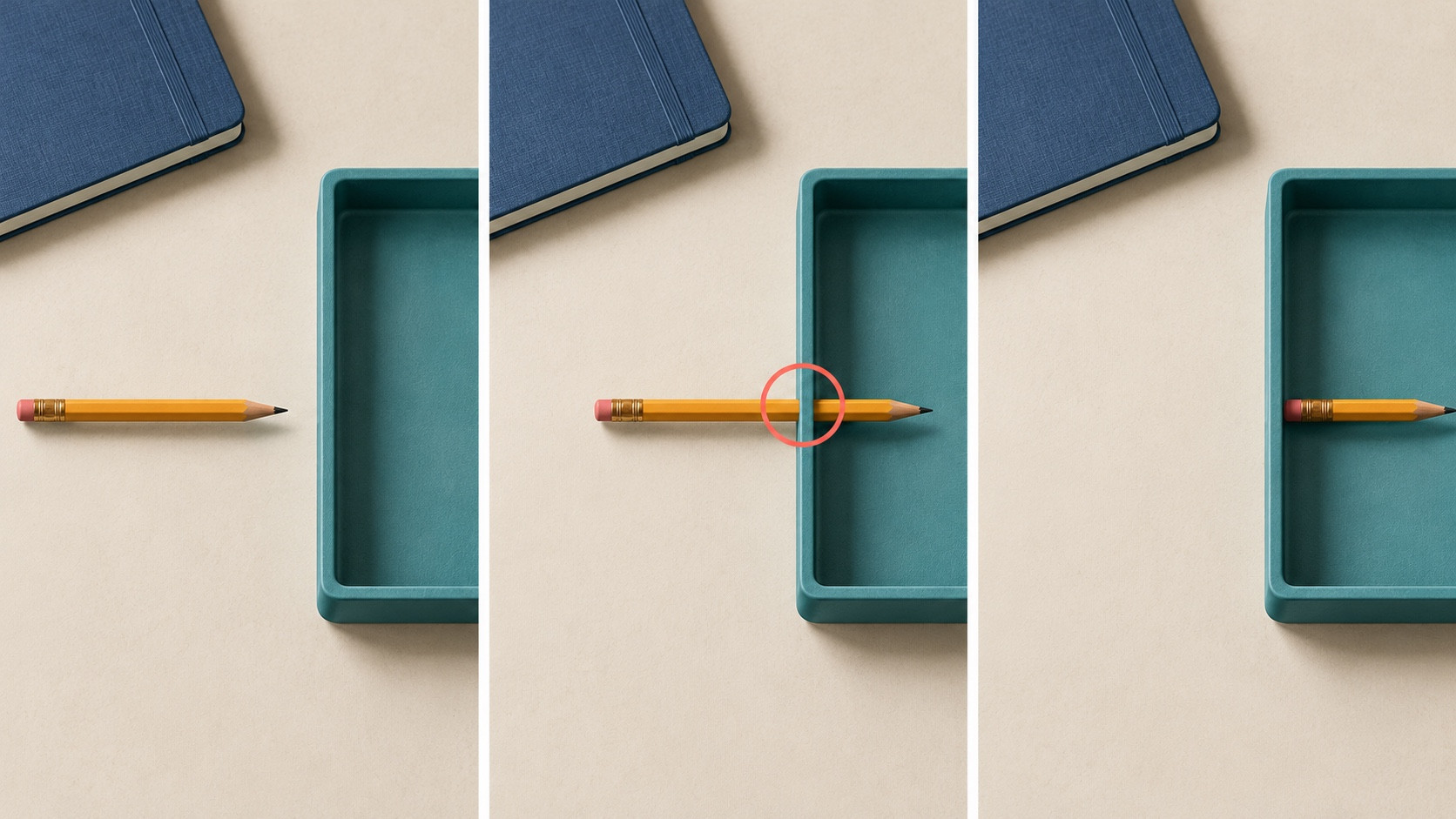
Inspect the middle of the clip as carefully as the end. Watch for the pencil bending, the tray changing shape, objects appearing, or a moving object passing through a solid rim.
Decide what to change before trying again
If the scene is recognizable but too busy, remove secondary actions from the prompt. If the pencil travels too far, bring the two reference positions closer together. If the notebook or tray keeps changing, simplify the scene or use a still. Adjust one thing at a time so you can tell what the change was meant to address.
Set a stopping rule before making more attempts: keep a draft only if its movement is easy to read, supports the article, and does not misrepresent a real procedure. If none of those improves after a few focused revisions, return to the static image or record the action.
The best choice may be the photograph you already have. A useful blog illustration gives the reader a clearer answer; motion is one way to do that, when the question calls for it.


Comments
Login to Comment