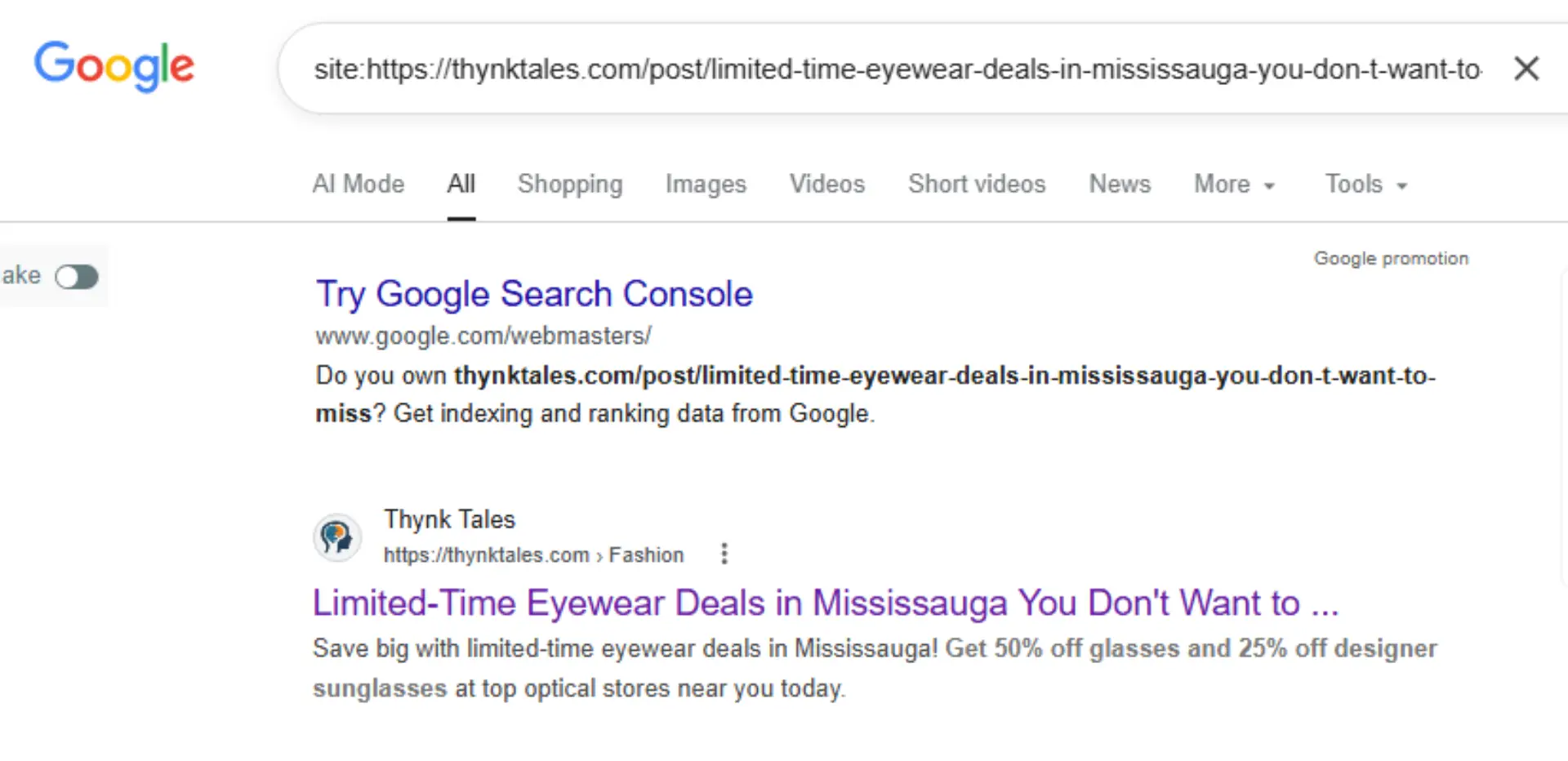
How it Works
How It Works – Thynk Tales
Thynk Tales is a free to write platform that allows you to share your stories, opinions, and experiences – and the best part? You also get paid for your words!
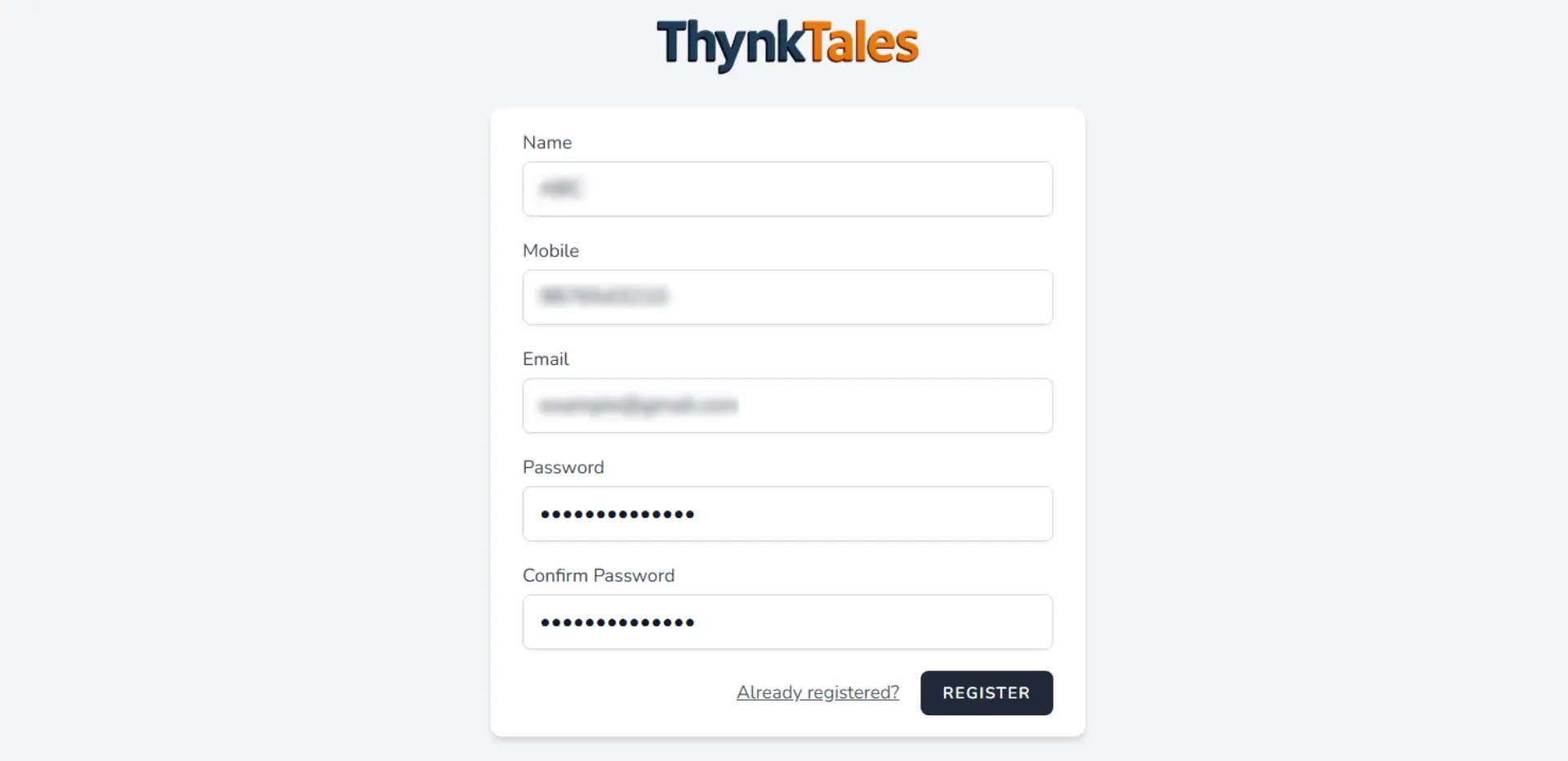
Register with Your Gmail Account
Create your account using your Gmail address and verify it with the confirmation code sent to your email.
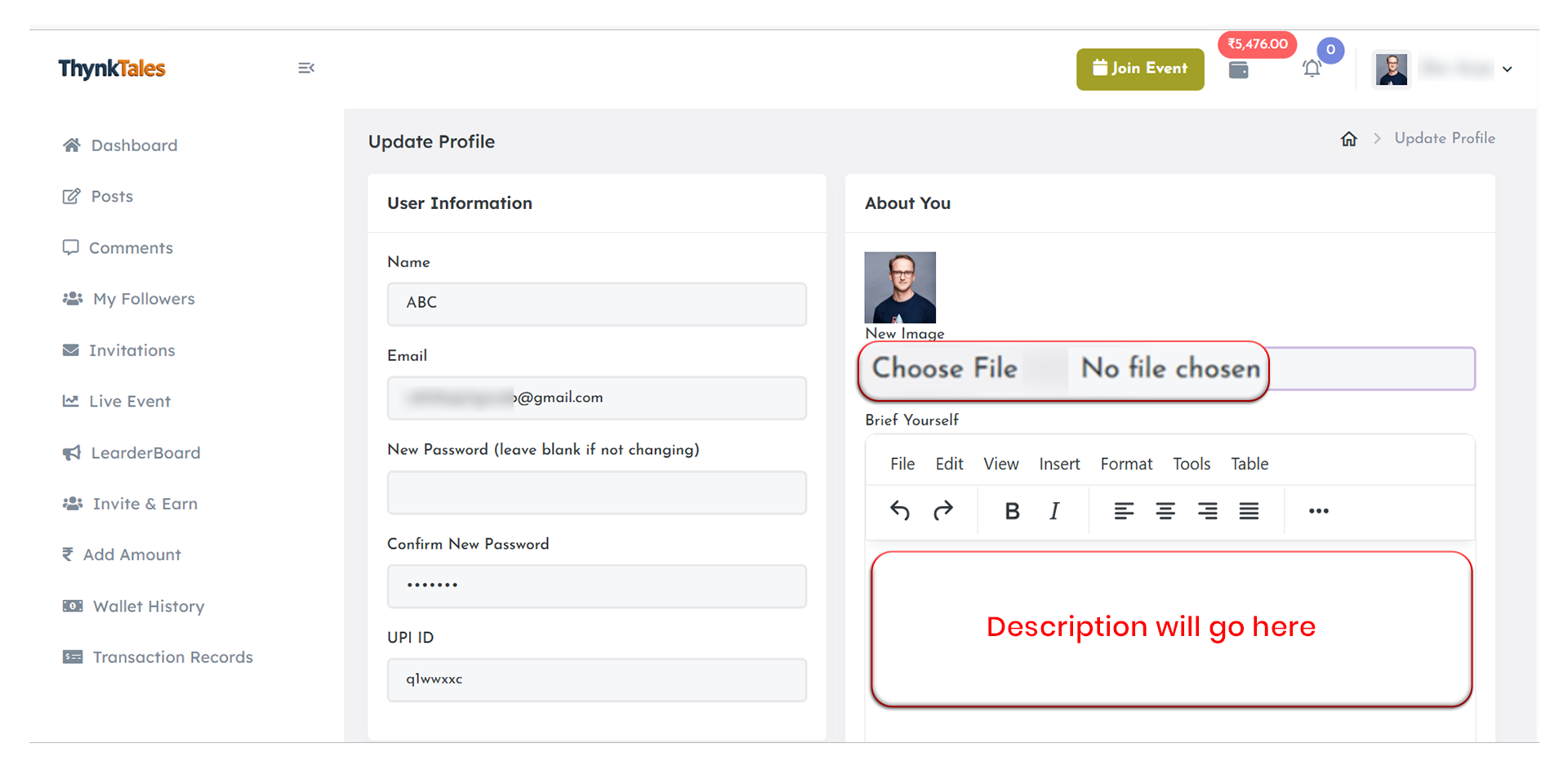
Update Profile
Complete your profile to build trust and make your account look professional.
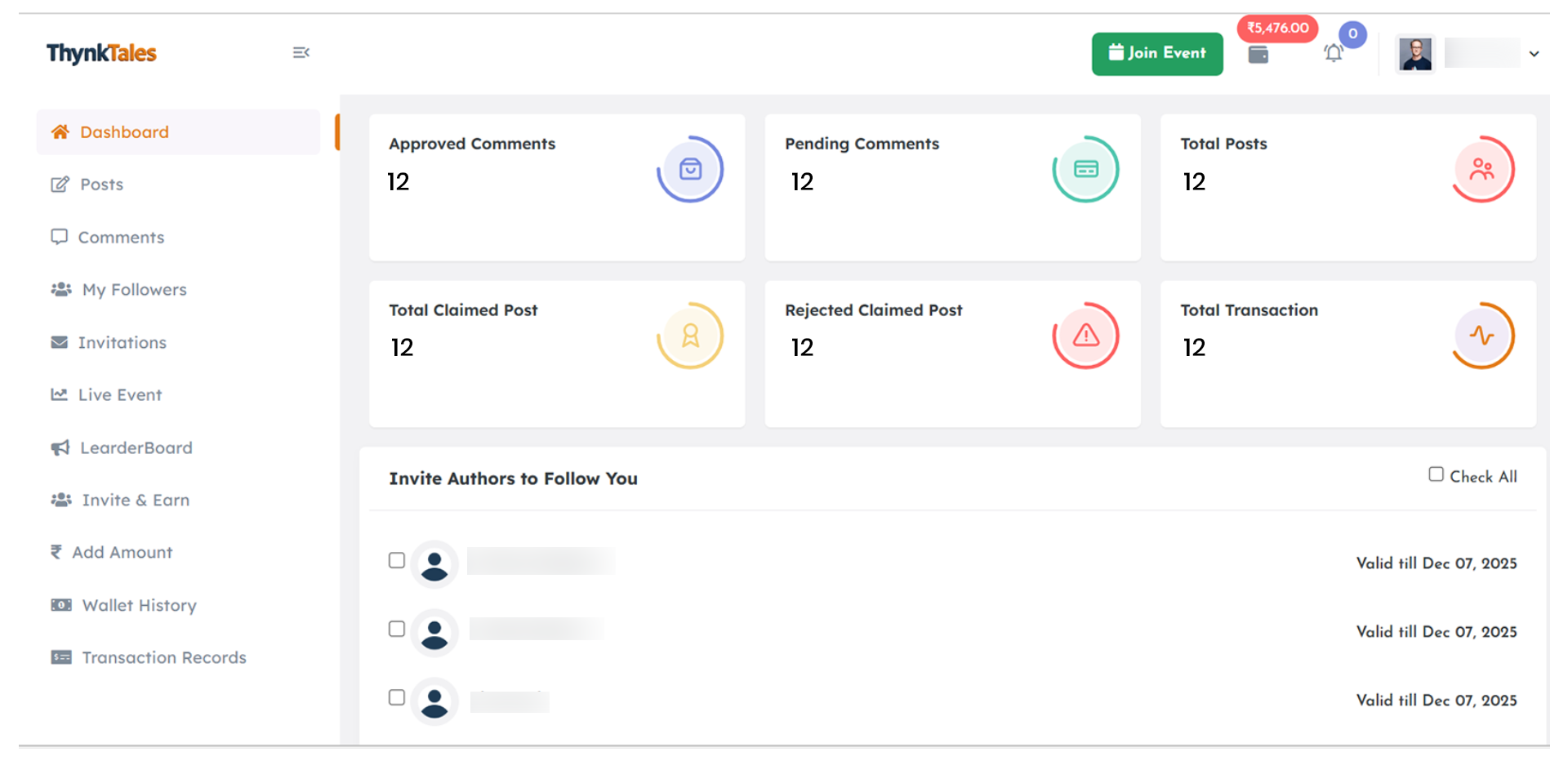
Dashboard
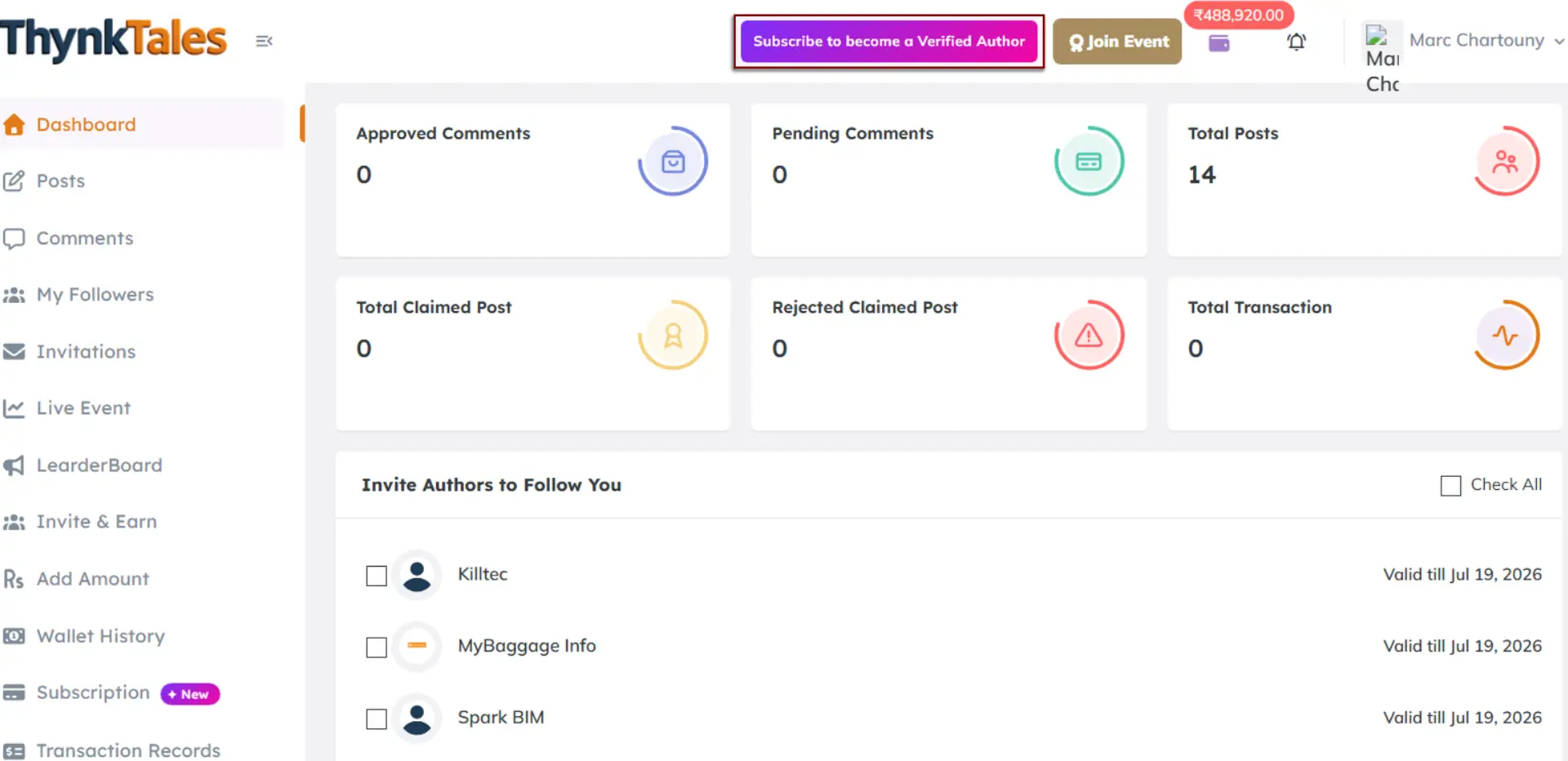
View your approved comments, pending comments, total posts, claimed posts, rejected claimed posts, and total transactions directly from your dashboard.
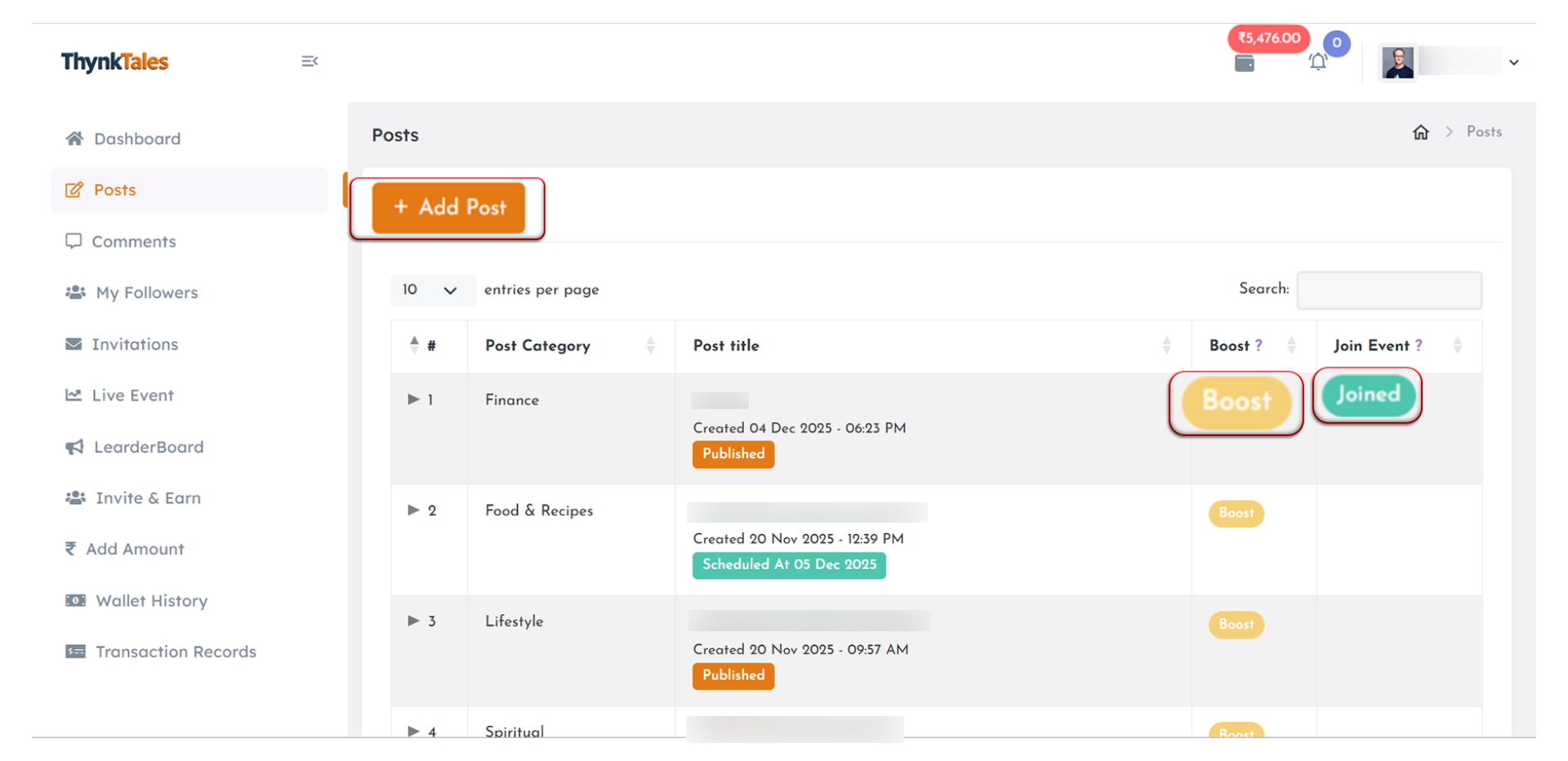
Posts
Start posting stories, blogs, and ideas, boost your posts for greater reach, and join available events to earn credits by meeting the required likes and views.
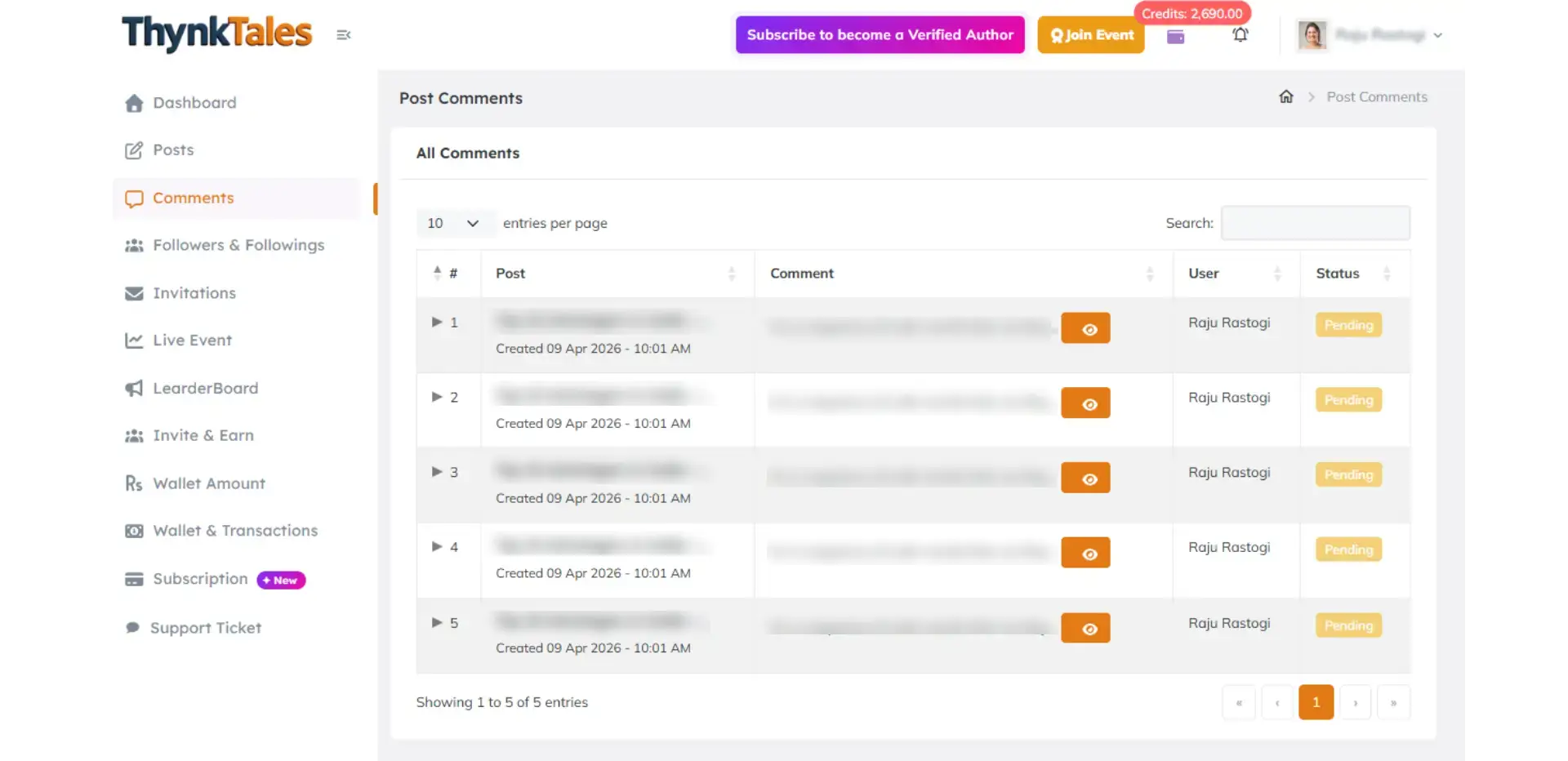
Comments
Check comments on your posts. Comments will appear once they have been reviewed and approved by the admin.
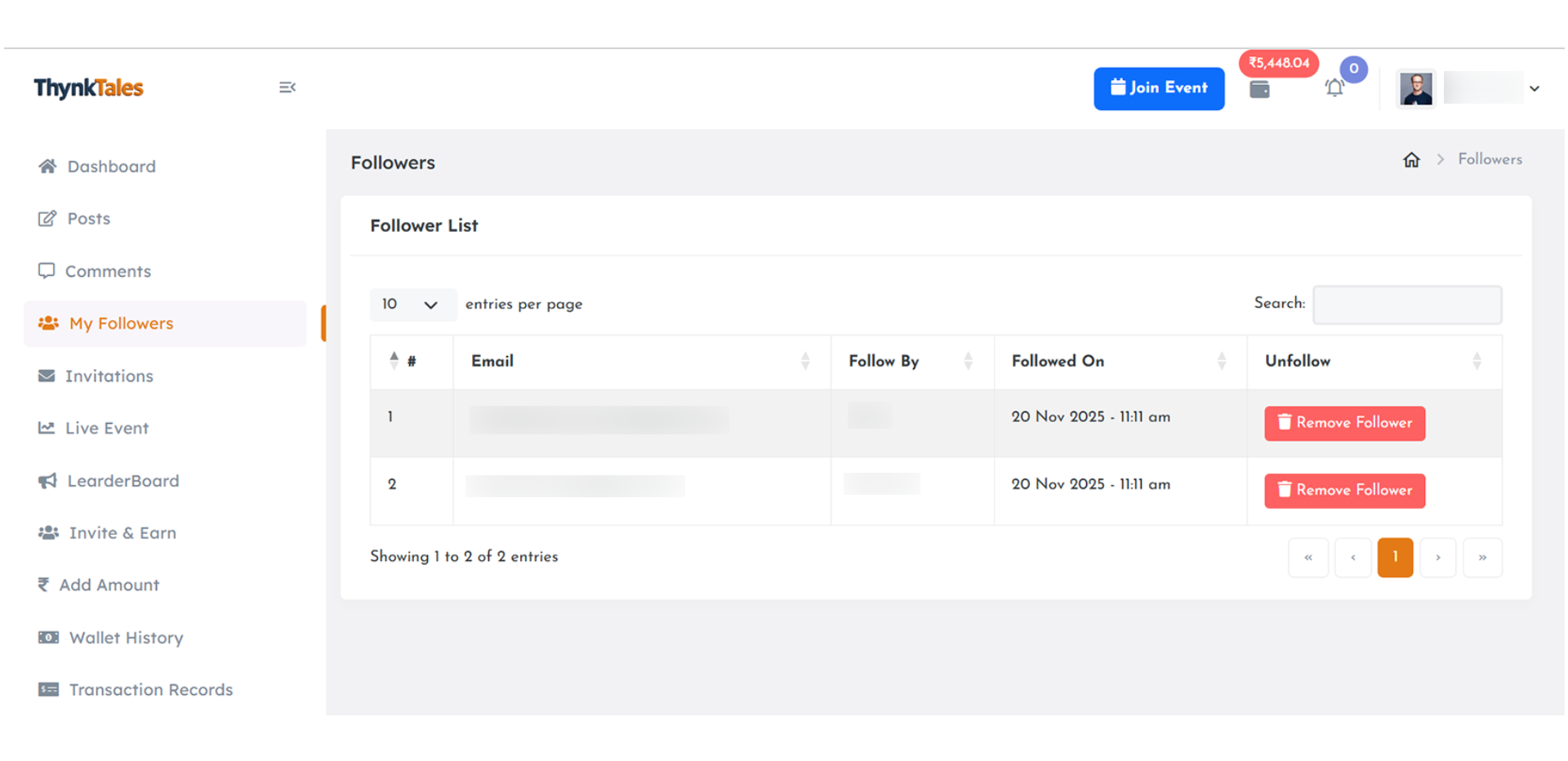
My Followers
Build your audience and grow your followers. View your followers and following list, and unfollow authors anytime you choose.
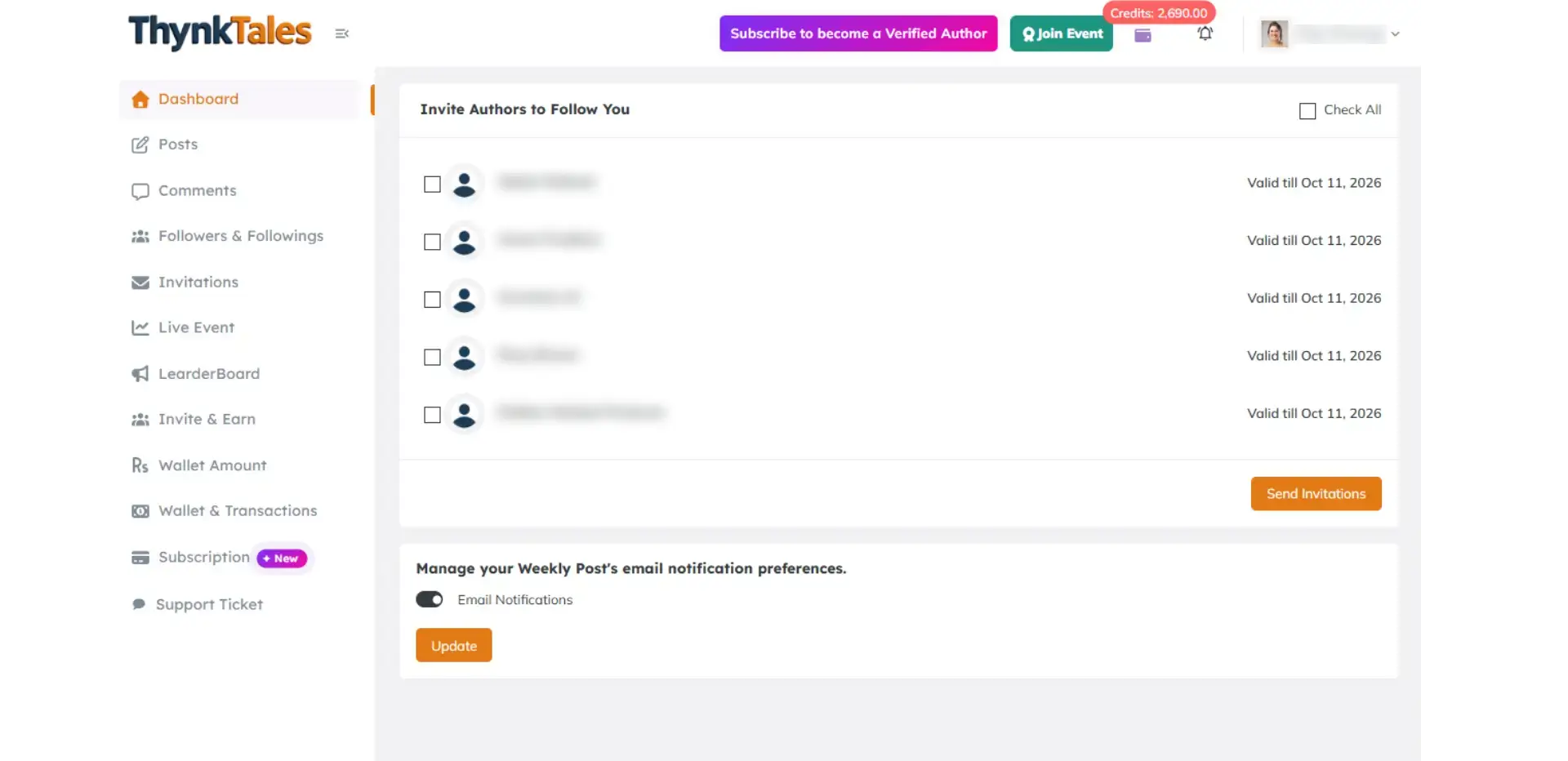
Invite Authors
Invite other authors to follow and engage with your content.
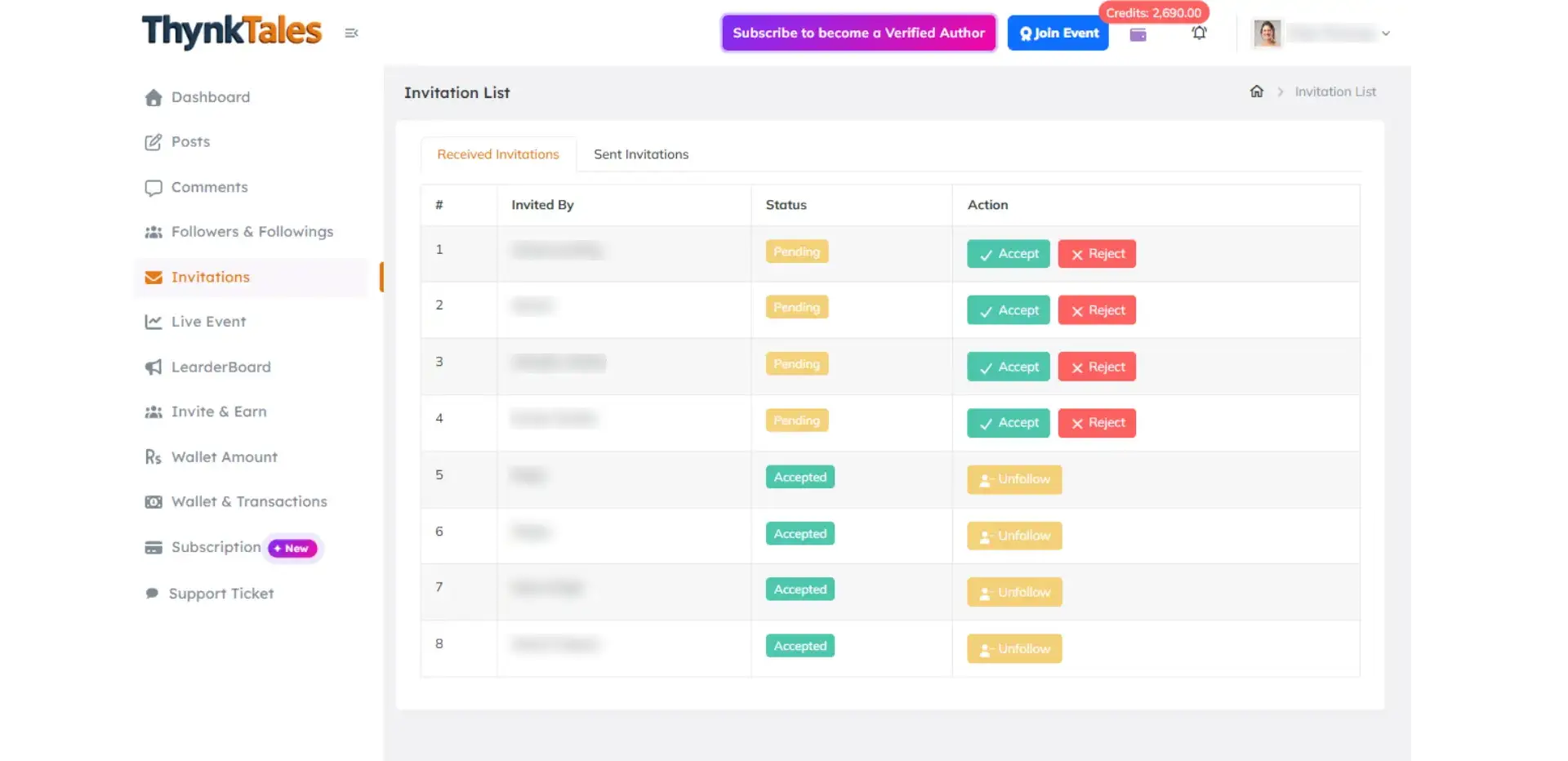
Invitation
Manage invitations and connections easily.
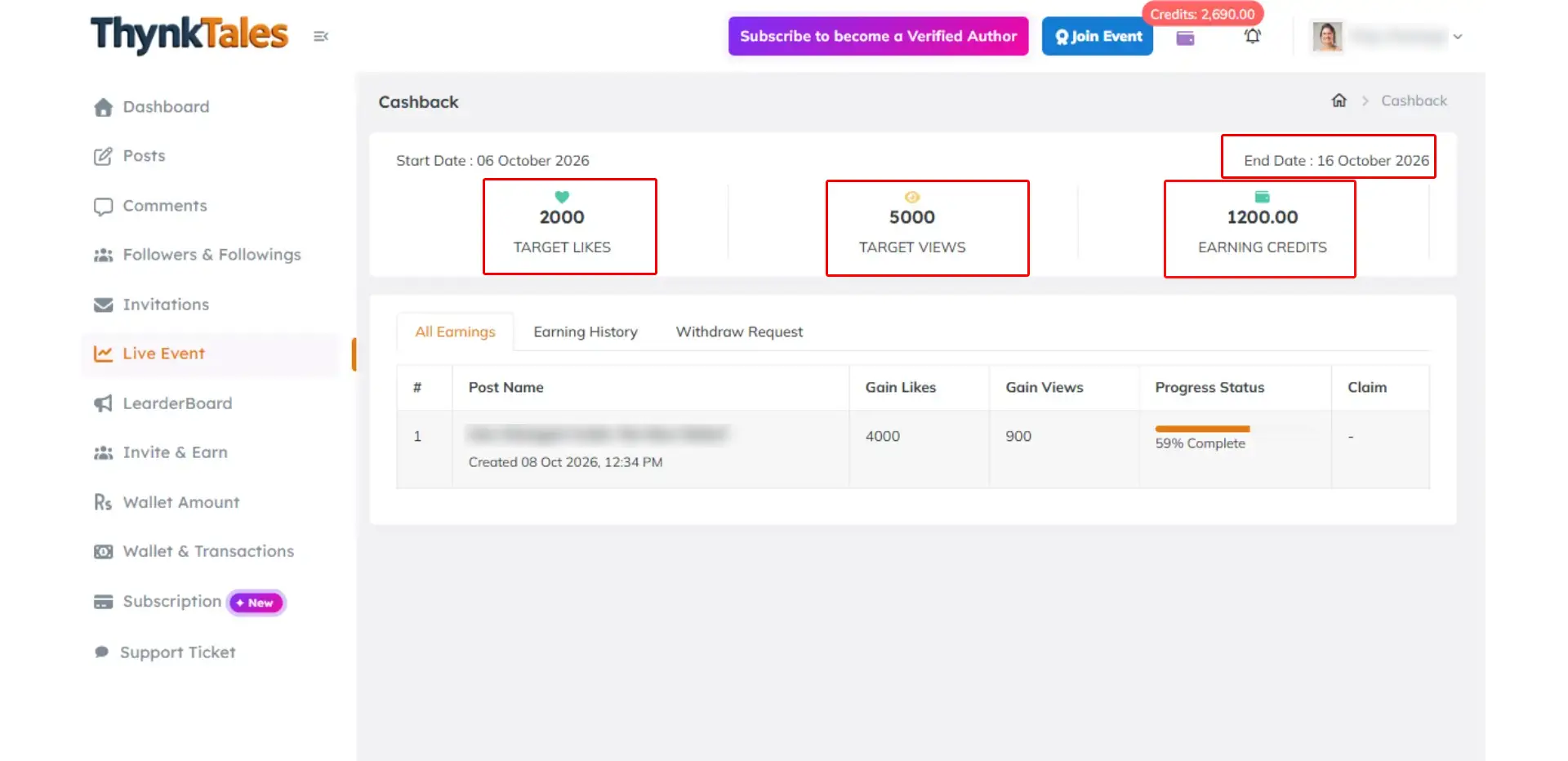
Live Event
View active events with their start and end dates, along with the required post views, likes, and credits you can earn by meeting the event criteria.
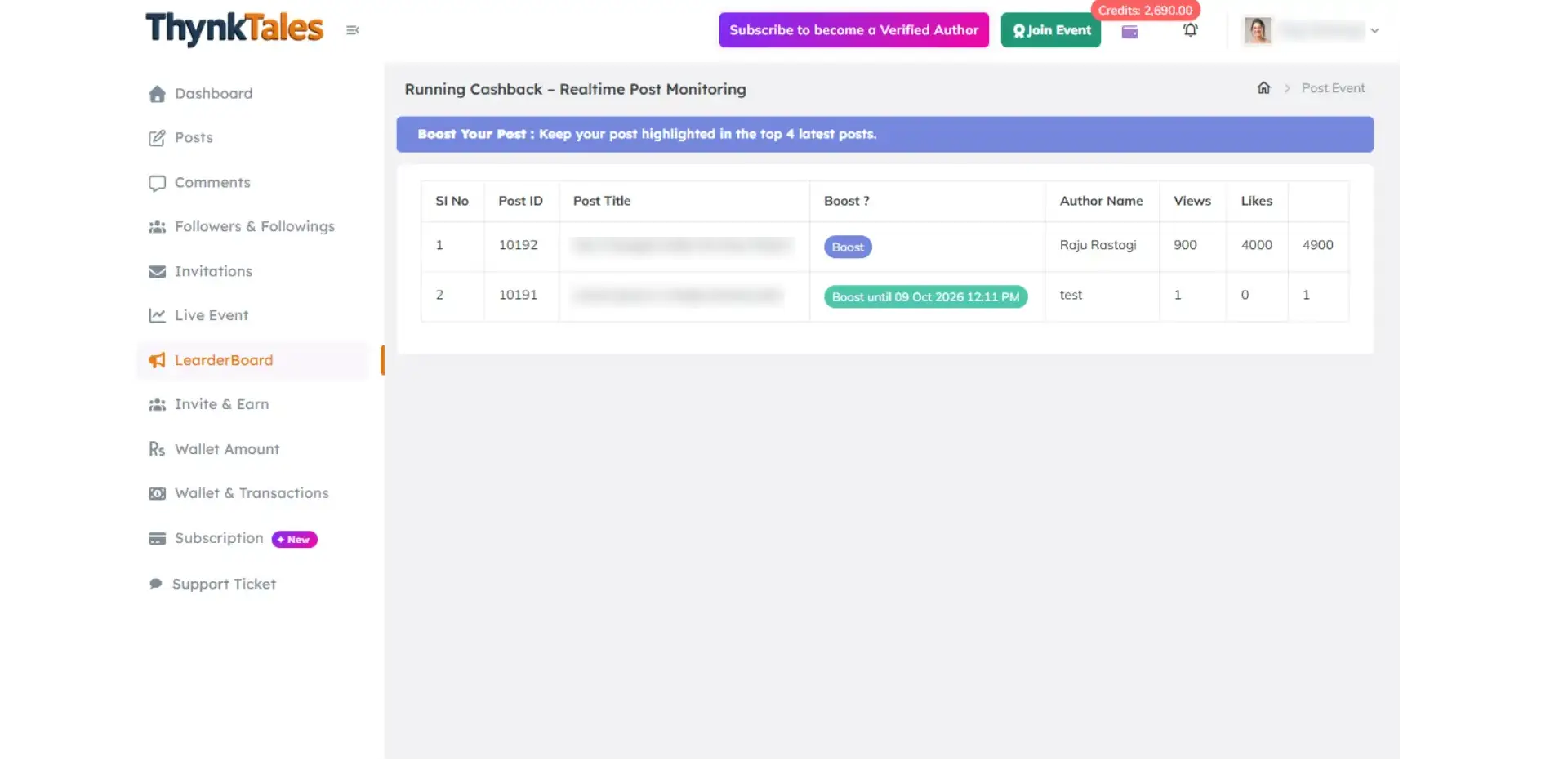
Leaderboard
Rankings update live based on post views.
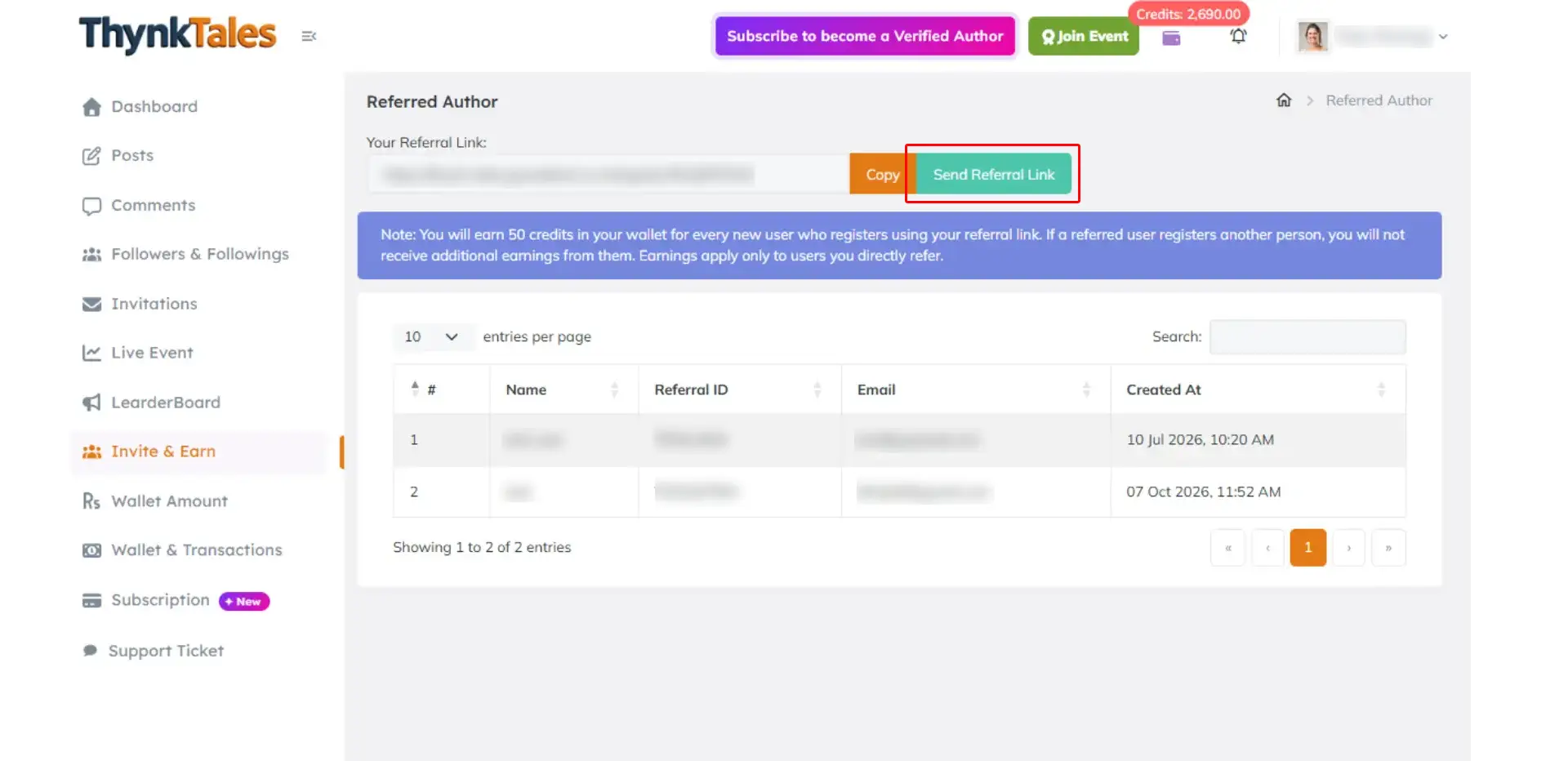
Invite & Earn
Invite your friends to join and earn 50 credits for every successful referral.
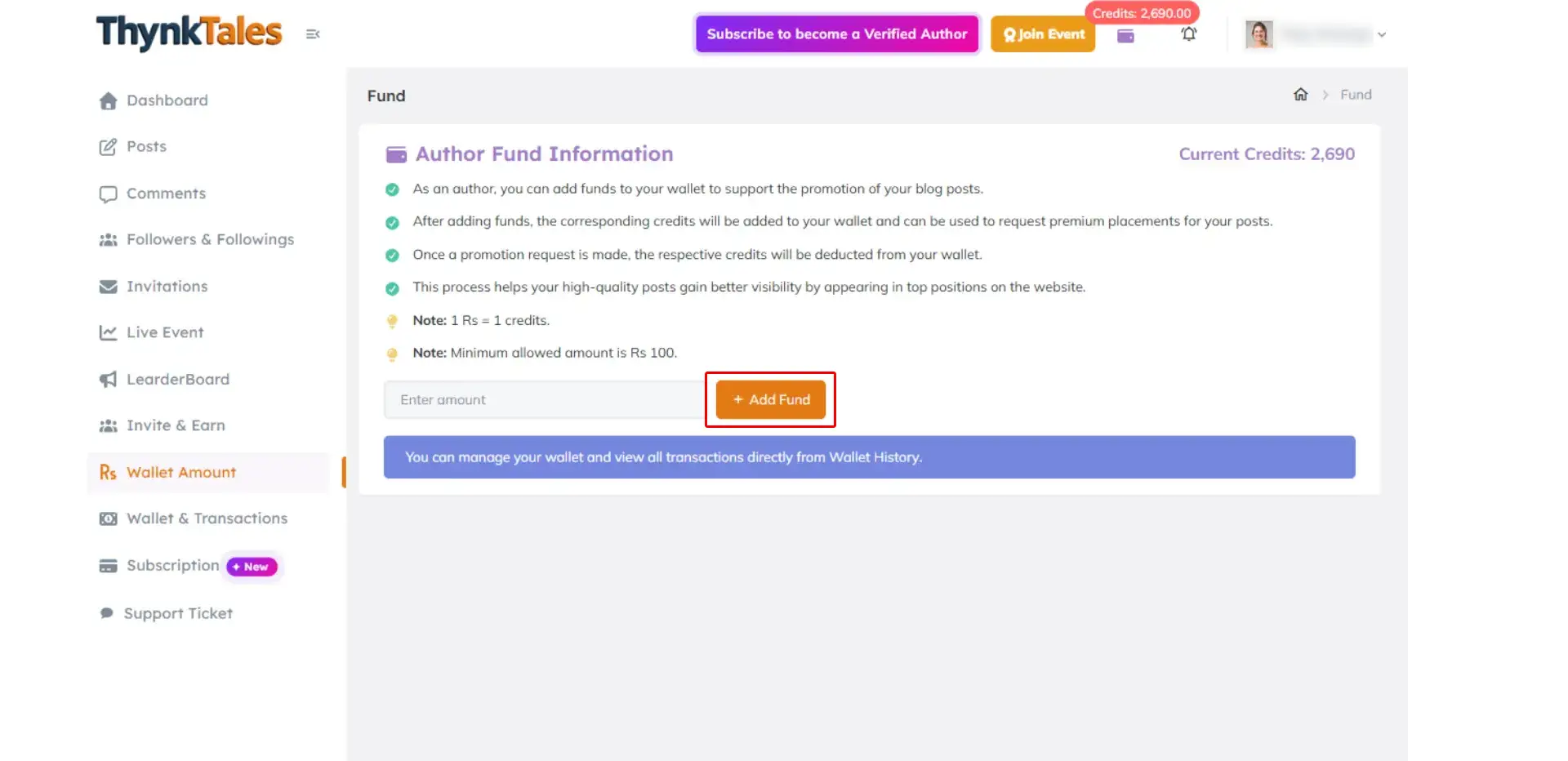
Add Amount
Add funds to your wallet and manage your credits efficiently. Use your available credits to boost posts for greater visibility and purchase subscriptions.
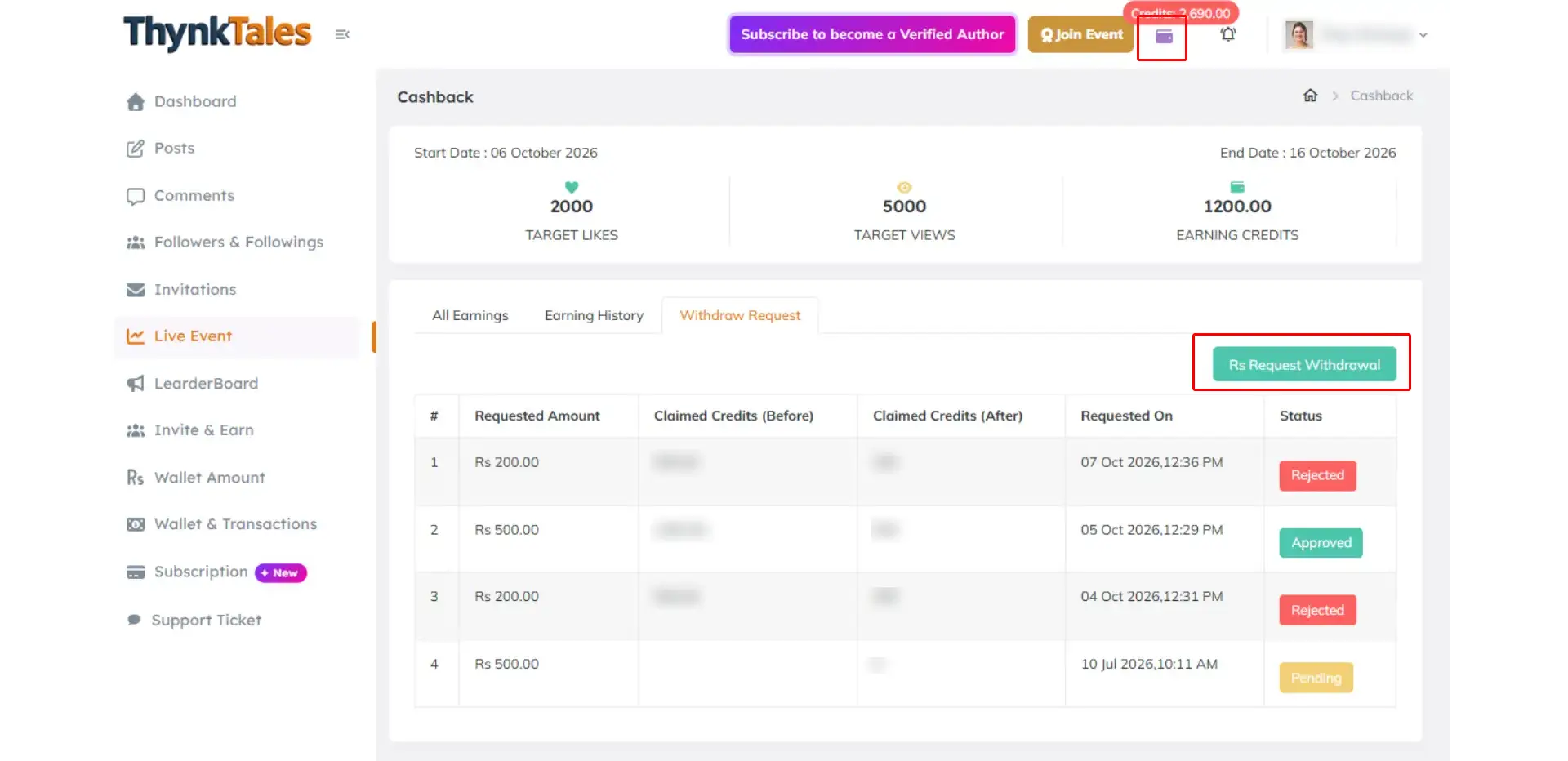
Withdraw Amount
Withdraw the value of your claimed cashback credits directly to your bank account.
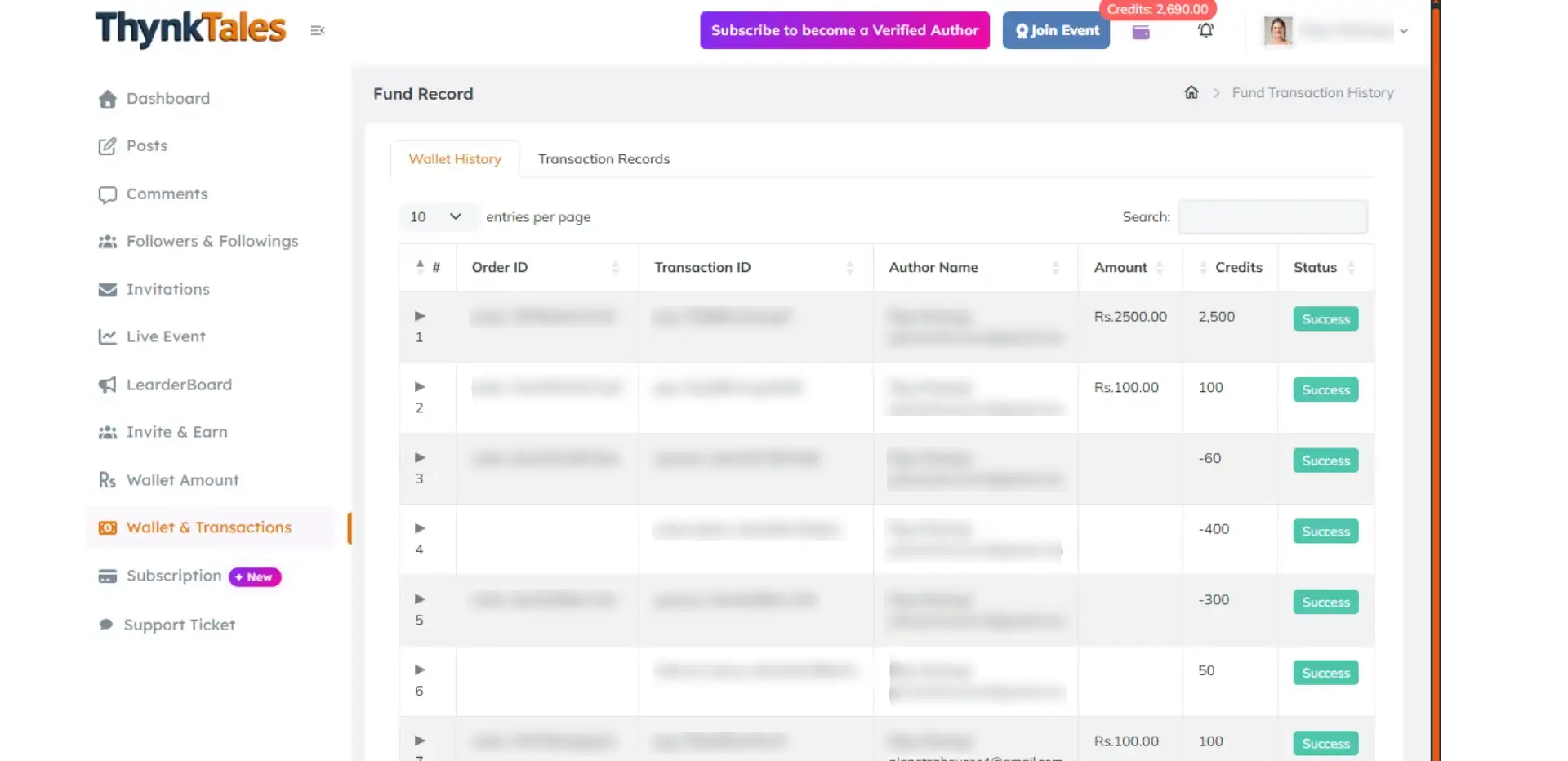
Wallet History
Track all wallet transactions in one place.
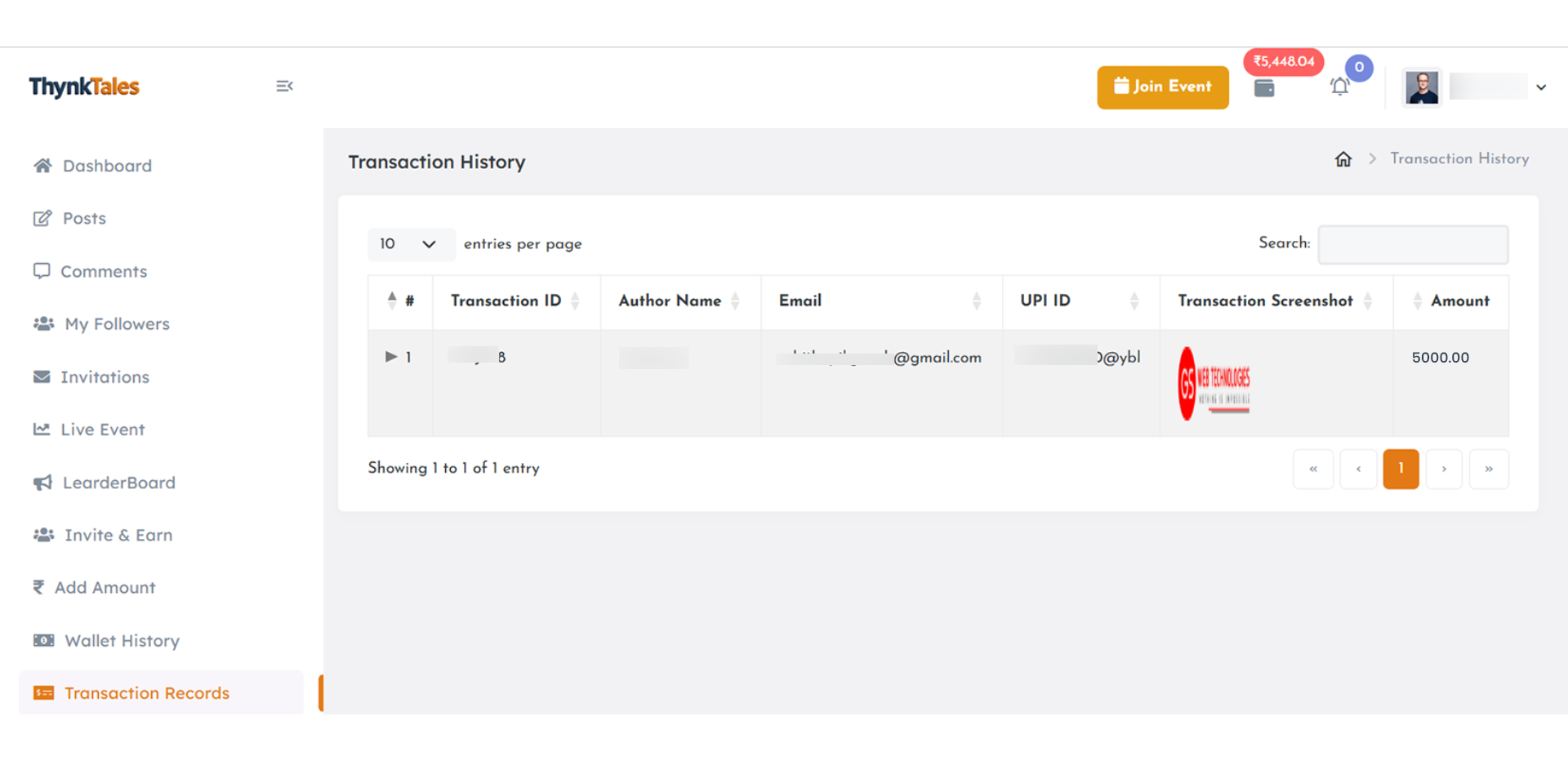
Transaction Records
Track claim status and payments in transaction history.
How Subscription Works
Thynk Tales is a free to write platform that allows you to share your stories, opinions, and experiences – and the best part? You also get paid for your words!
launched a new subscription plan
ThynkTales now offers a new subscription plan with 150 credits per month.
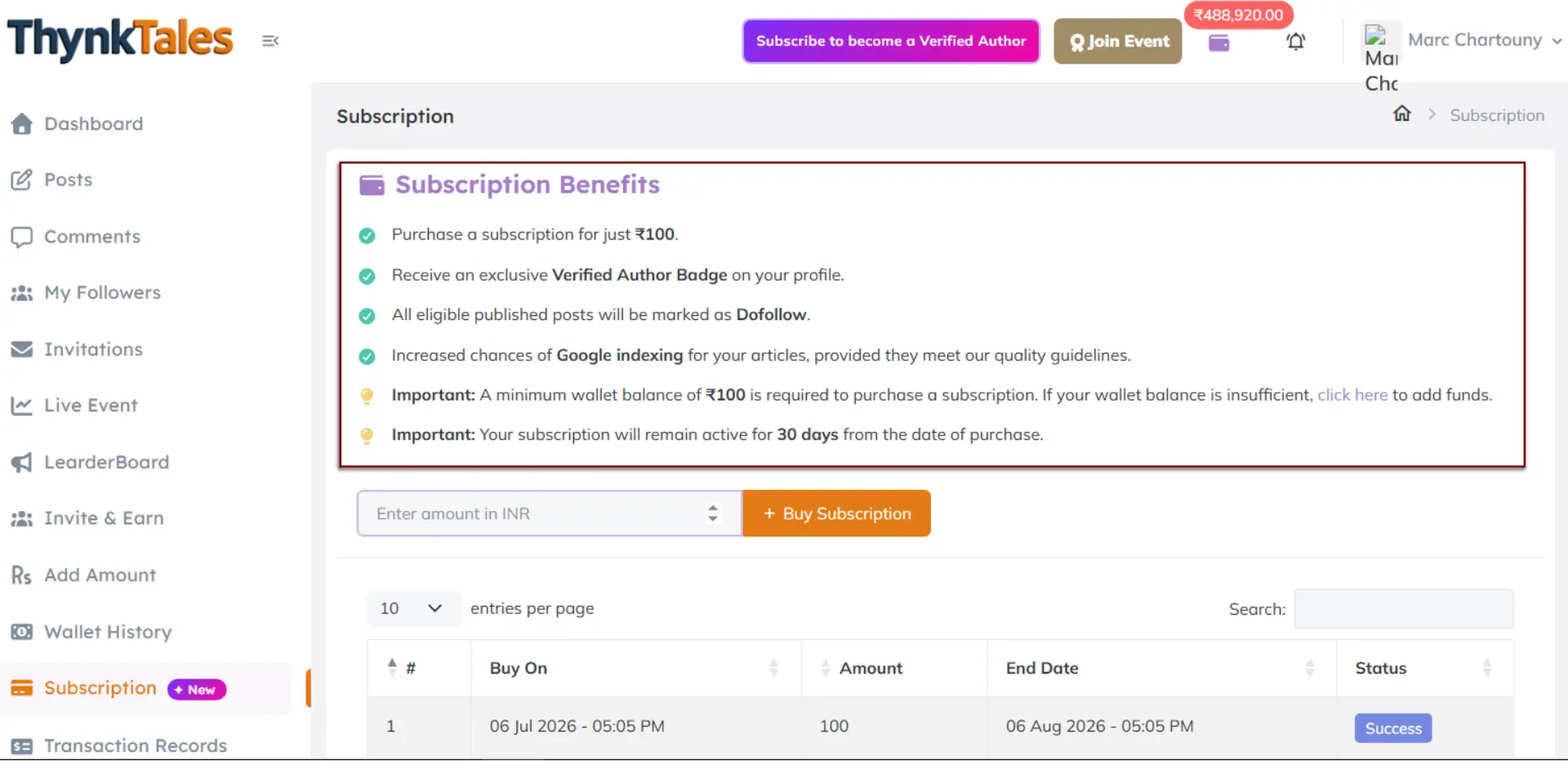
Subscription Benefits
- Get started for just 150 credits/month.
- Earn an exclusive Verified Author Badge on your profile.
- All eligible published posts are marked as Dofollow.
- Improved chances of Google indexing for your articles, subject to our quality guidelines.
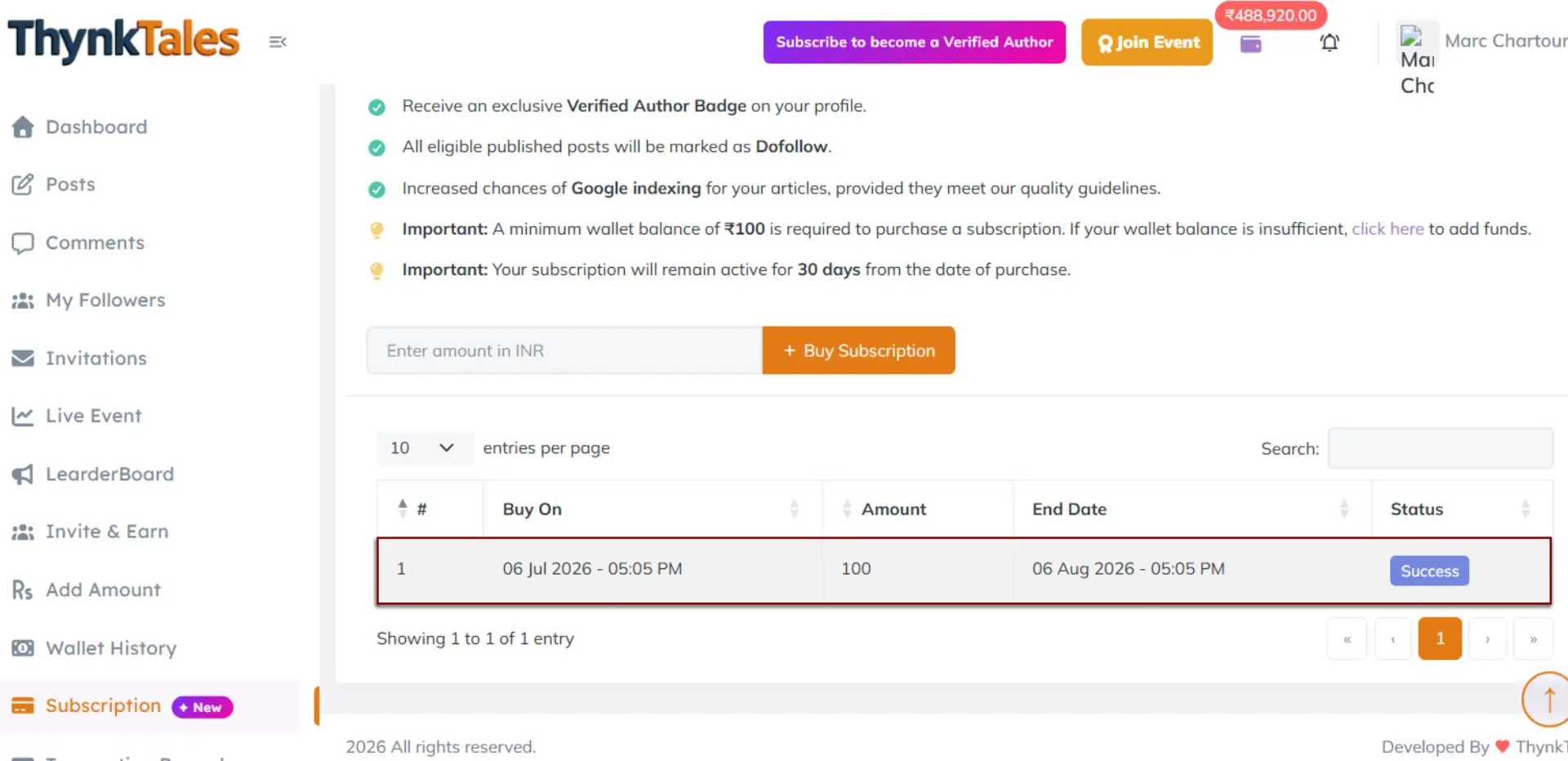
Purchase the subscription
Add the required credits to your wallet to easily purchase the subscription. Once purchased, your subscription status will be updated as shown below.
Indexing Notice
Note: Google indexing is not guaranteed. It is subject to your content meeting our content policy and quality guidelines.