
The useful first question in a Kling 4.0 vs Seedance 2.0 decision is not “Which name sounds more capable?” It is “What information must the tool take from the material I already have?” A photograph can establish a cup's appearance. A movement reference can suggest how the camera travels. A written brief can explain what should happen. They are related inputs, not interchangeable ones.
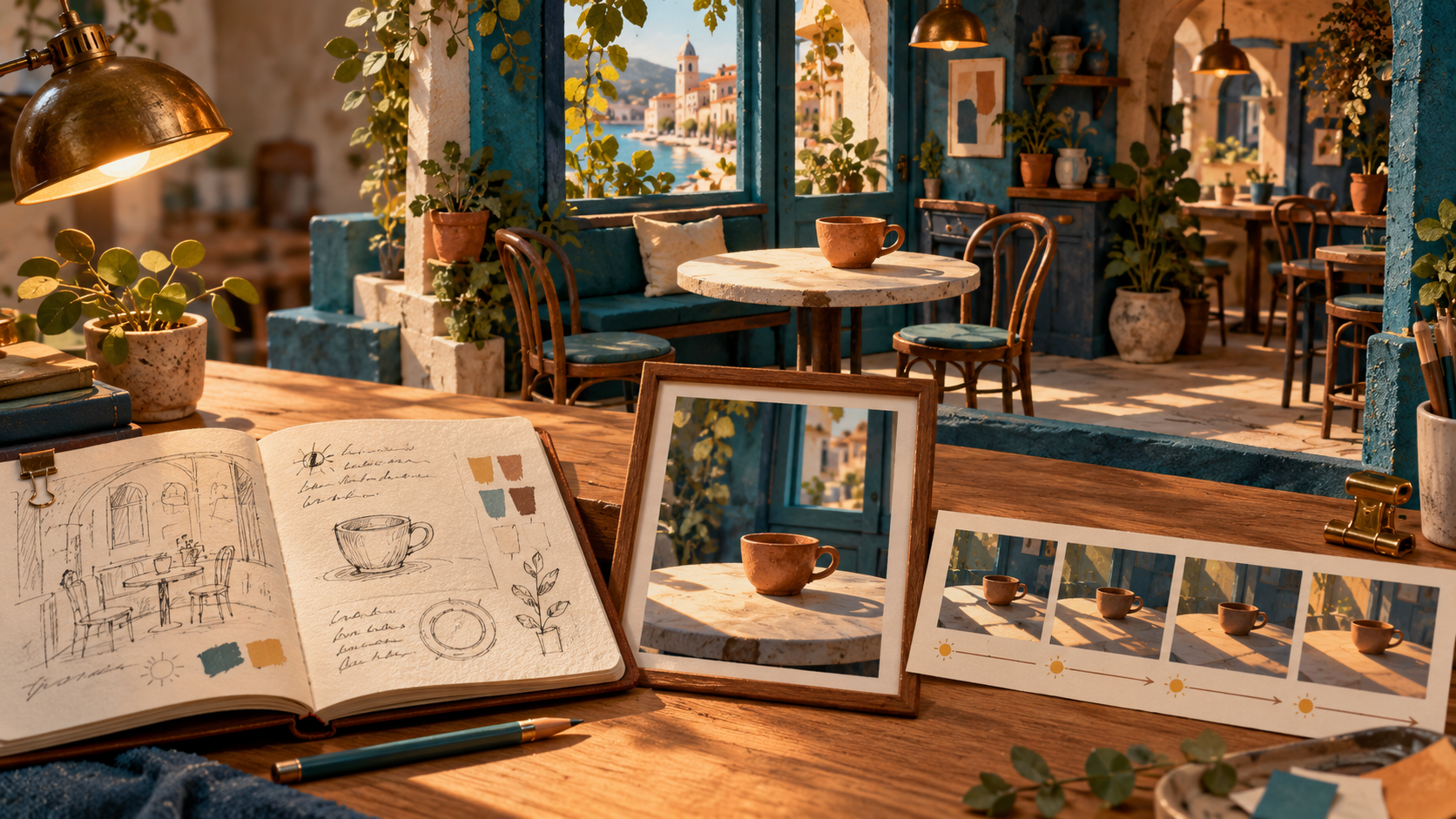
For this guide, imagine a quiet café shot: a terracotta cup rests beside a teal window while morning light crosses the table. The scene and illustrations are an original planning exercise. They do not show outputs from either model or a performance test.
Sort references by the information they carry
Make a small inventory before uploading anything. For each item, finish the sentence: “Use this to preserve…” The answer should describe something visible or audible, rather than simply naming the file.
- Written brief: preserve the intended event: light moves across a stationary cup.
- Single image: preserve the cup's shape, window color and starting composition.
- Several appearance images: preserve a subject's identifying features across relevant views.
- Video or ordered frames: preserve a movement idea, sequence or relationship between views.
- Audio: preserve a sound reference or timing intention, if the chosen route supports that use.
Do not supply an extra reference merely because an upload slot exists. A photograph of another café may carry unwanted chairs, signage or lighting. If you want only its window arrangement, say so—and consider making a simpler reference that contains fewer competing instructions.
What the official model pages tell you
Kling's official introduction describes a reference workflow involving images, videos and subjects, alongside multiple-keyframe control. That makes it relevant when you want to specify recognizable visual material or several important moments.
The official Seedance 2.0 page describes text, image, audio and video inputs, with audiovisual generation and reference-based creative control. It is relevant to a brief that combines more than one kind of material.
These are descriptions from the model providers. They establish useful questions to ask, not a winner for our café shot. A particular website may expose only part of a model's advertised workflow. Check the actual route's accepted reference types, ordering and controls before treating an advertised capability as an available button.
Choose the next step from your starting material
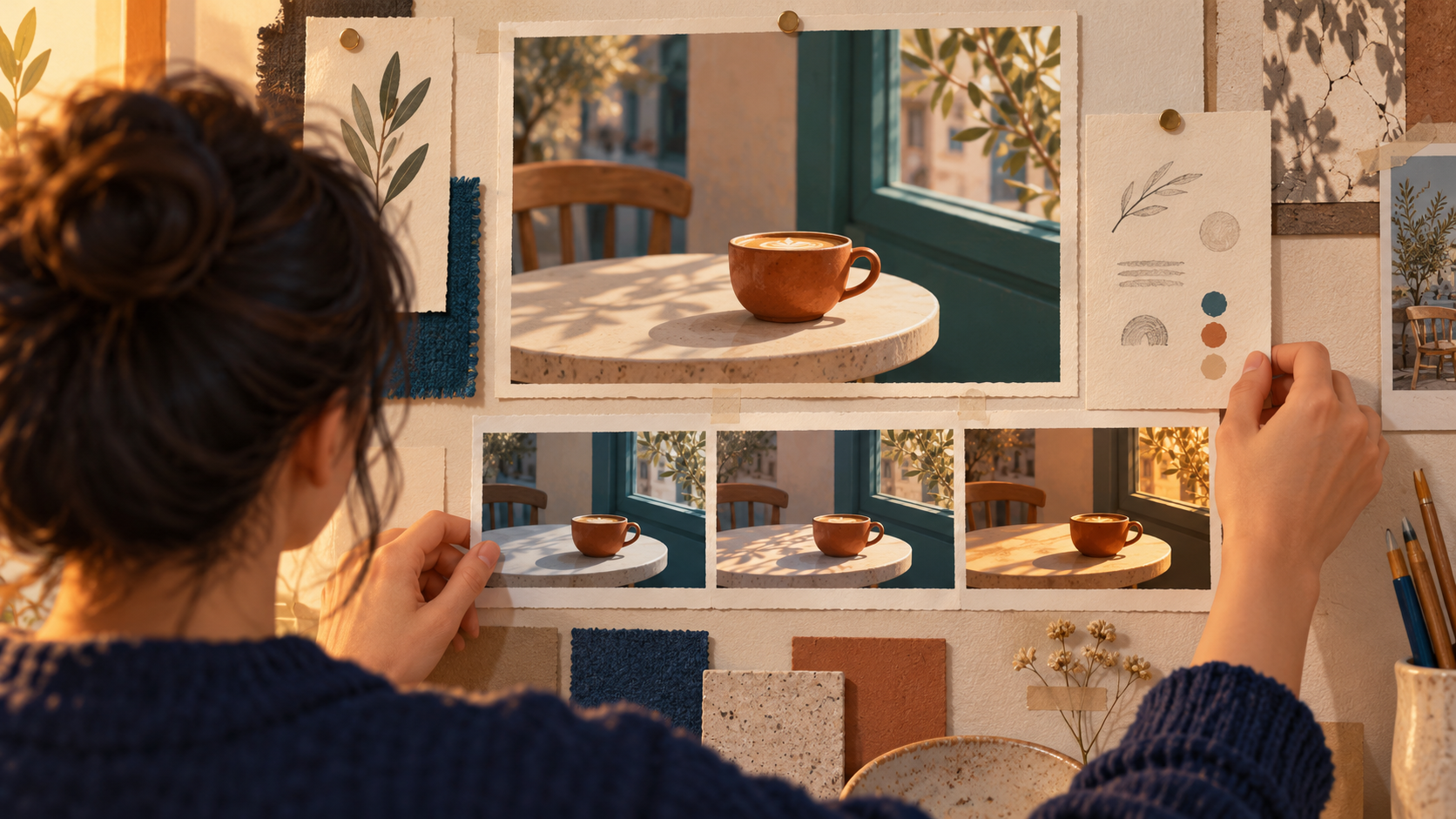
If you have only words, write the event before assembling a large mood board. Our starting brief might be: “Morning light passes slowly across a terracotta cup beside a teal café window. The cup and camera remain still.” First decide whether that description is enough to explore the idea. You do not yet have an appearance that must be reproduced exactly.
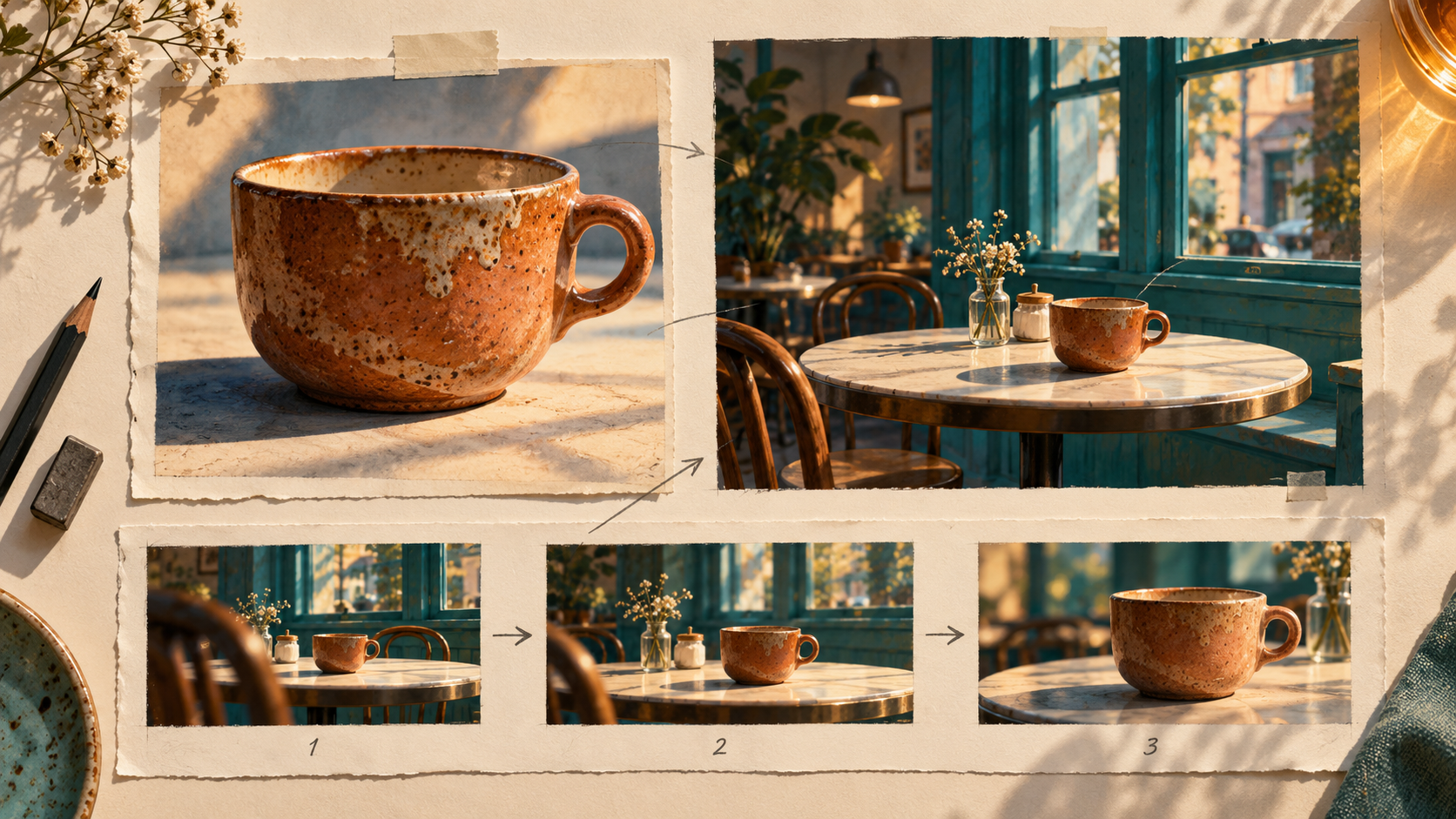
If you have one approved image, treat it as an appearance and composition reference. List what should remain: cup silhouette, table position and window frame. Then list the change: the light crossing the tabletop. Ask whether the route accepts the image in the role you need, rather than assuming every image upload is a starting frame.
If you have several subject views, identify what each view adds. A side view may clarify a handle hidden in the first image. It may also introduce a different background. Explain that the cup is the reference subject, not every object behind it. If the interface cannot express that distinction, simplify the material or choose a route that can.
If you have a movement reference, describe the transferable quality. “A slow lateral camera move” is more useful than “copy this video.” Separate movement from people, objects and setting that do not belong in the new scene. Use material you are entitled to supply.
Write one input brief with separate jobs
For the café idea, an input brief can be short:
Appearance reference: keep the terracotta cup and teal window from the supplied image. Event: morning light moves across the table while the cup remains still. Viewpoint: fixed. Exclude: new lettering, extra cups and changes to the window frame. Sound intention: none required for this visual study.
If a movement reference is later added, revise the viewpoint line instead of leaving “fixed” beside an incompatible camera instruction. The brief is a statement of intent; translate it into whatever inputs and controls the selected product actually provides.
Check the route before committing your material
One candidate entry is the Flyne AI Kling 4.0 preview. As checked on 28 October 2026, the page is labelled Preview and its public form displays Kling 3.0 Turbo. Use that distinction when choosing an available route; a result made with Turbo must not be labelled a Kling 4.0 result. The state of this integration is separate from Kling's official model release.
Disclosure: This article is provided by the Flyne AI brand team.
You now have a practical basis for choosing: the references available, the role of each reference and the controls the task requires. If an essential role is unsupported, prepare a simpler version or use another appropriate route. If both routes accept the necessary material, the next question is how the actual outputs serve the brief—not which landing page makes the broadest promise.


Comments
Login to Comment