IPTV EPG Firestick: How to Add EPG on Firestick
29 Sep, 2026
5 Views 0 Like(s)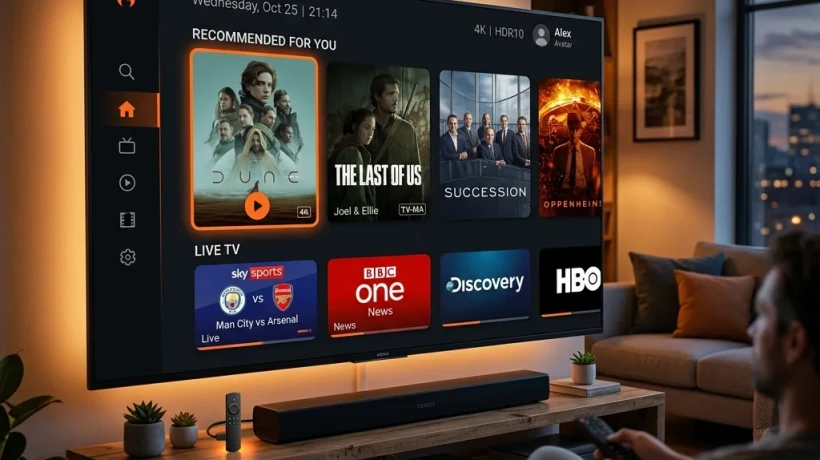
If your IPTV provider supplies compatible EPG information, you can configure it through the playlist and EPG settings available in the app.
If you use IPTV on Firestick, you may have noticed that some channels show only their names while others display programme titles, schedules, and TV guide information. This information comes from an EPG.
EPG stands for Electronic Programme Guide. It makes an IPTV playlist easier to use by showing information about what is currently playing and what is coming next.
If you are searching for IPTV EPG Firestick, this guide explains what EPG is, how it works, how to add an EPG to a compatible IPTV player, and what to do when the TV guide is not showing correctly.
If you are new to IPTV, you can first check our IPTV Firestick UK guide to understand the basic setup.
What Is IPTV EPG?
An EPG, or Electronic Programme Guide, is digital programme information connected to TV channels.
Instead of seeing only:
BBC One
ITV1
Channel 4
an EPG can show information such as:
BBC One
Morning Show – 10:00 AM
News – 12:00 PM
Sports – 1:00 PM
This makes it easier to browse channels and find programmes.
Amazon also describes EPG as part of the system used to provide channel and programme information for compatible Fire TV linear-TV integrations.
Why Is EPG Useful on Firestick?
An IPTV playlist can contain a large number of channels. Without programme information, you may have to open each channel to find out what is playing.
An EPG can make navigation much easier.
With a compatible EPG, you may be able to see:
- Channel names
- Programme titles
- Start and end times
- Current programmes
- Upcoming programmes
- Programme descriptions
- TV guide information
The exact information available depends on the EPG source and IPTV player.
What Do You Need for IPTV EPG on Firestick?
Before setting up an EPG, you normally need:
- A compatible Firestick or Fire TV device
- An IPTV player
- A working IPTV playlist
- An EPG URL, if your IPTV provider supplies one
- A stable internet connection
Not every IPTV service provides a separate EPG URL. Some services include guide information automatically with the playlist.
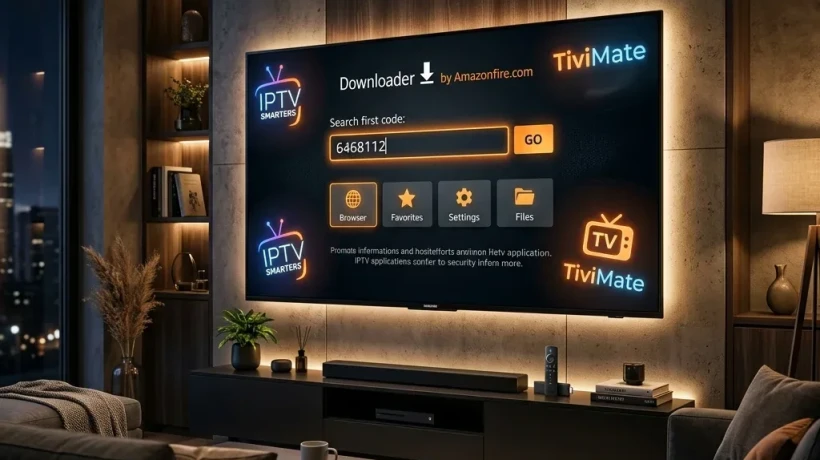
TiviMate, for example, is a media player and does not provide channels or content itself. You add your own playlists and content sources.
How to Add IPTV EPG on Firestick
The exact steps depend on the IPTV player you are using. The menu names can also change between app versions.
The following is a general process for an IPTV player that supports a separate EPG source.
Step 1: Open Your IPTV Player
Start your Firestick and open the IPTV player you use.
Popular IPTV players can have different interfaces, so do not worry if your menu looks slightly different.
If you use TiviMate, open the application and go to your playlist or settings area.
You can also read our TiviMate Firestick guide for more information about using TiviMate.
Step 2: Open Playlist Settings
Look for your playlist settings.
Depending on the application, you may see options such as:
- Playlists
- EPG
- TV Guide
- Guide Sources
- EPG Sources
- Settings
Select the option related to EPG or TV Guide.
Step 3: Enter Your EPG URL
If your legitimate IPTV provider has given you an EPG URL, enter it in the appropriate field.
An EPG URL may look like a web address containing XML or XMLTV data.
Make sure you copy the complete address correctly.
A small mistake in the URL can stop the guide from loading.
Step 4: Save the EPG Source
After entering the EPG URL, save the settings.
Your IPTV player may automatically start downloading the guide information.
Depending on the size of the playlist and your internet connection, this can take some time.
Step 5: Refresh the TV Guide
After the EPG source has been added, open the TV Guide or EPG section.
If the programme information does not appear immediately, look for an option such as:
Update EPG
Refresh EPG
Update Guide
Run the update and wait for it to finish.
How Does EPG Match Channels?
Adding an EPG URL does not always mean every channel will automatically display the correct programme information.
The EPG data needs to match the channels in your IPTV playlist.
For example, your playlist may contain a channel called:
ITV1 HD
while the EPG source identifies the same channel using a different channel ID.
If the identifiers do not match, the channel may appear without programme information.
This is one reason why an EPG can work correctly for some channels but not others.
IPTV EPG Not Working on Firestick?
If your IPTV guide is empty, do not immediately reinstall your entire IPTV player.
Try these checks first.
Check the EPG URL
Make sure the URL was copied correctly.
If the URL has changed or expired, the guide may stop updating.
Refresh the EPG
Open your IPTV player's EPG settings and manually update the guide.
Give it enough time to complete the update.
Check Your Internet
EPG information needs to be downloaded from the EPG source.
A weak or unstable internet connection can interrupt the update.
Check the Playlist
The EPG must correspond with the channels in your playlist.
If your IPTV service recently changed its channel list, some guide information may no longer match.
Check the Date and Time
Incorrect device date or time settings can sometimes cause programme schedules to appear incorrectly.
Make sure your Firestick is using the correct time and time zone.
Why Are Some Channels Missing EPG?
It is normal for an EPG to work for some channels and not others.
Possible reasons include:
- The EPG source does not contain that channel.
- The channel ID does not match.
- The channel was recently added.
- The EPG data is outdated.
- Your playlist has changed.
- The provider has incomplete programme information.
If only a few channels are missing guide information, the problem may be with the channel mapping rather than your Firestick.
Can You Use Any EPG URL?
Not necessarily.
An EPG URL needs to provide compatible guide data that your IPTV player can read.
It also needs to correspond with the channels in your playlist.
It is better to use the EPG source supplied by your legitimate IPTV provider rather than copying random EPG URLs from unknown websites.
This also reduces the chance of using outdated or unreliable data.
IPTV EPG vs IPTV Playlist
It is important not to confuse an IPTV playlist with an EPG.
IPTV Playlist
A playlist tells the IPTV player about the available streams or channels.
IPTV EPG
An EPG provides programme information and schedules for those channels.
Think of it this way:
Playlist = Channels
EPG = Programme Guide
You may have a working playlist but no EPG. In that situation, the channels can still play, but the programme guide may be empty.
Does EPG Improve IPTV Streaming Quality?
No.
An EPG mainly provides programme information. It does not automatically make the video stream faster or remove buffering.
If your IPTV channels are buffering, the cause could be your internet connection, Wi-Fi, device, player, or streaming source.
For buffering problems, check our IPTV Firestick buffering guide for additional troubleshooting steps.
How Often Does EPG Update?
EPG data can update on different schedules depending on the source.
Some services refresh their programme information regularly, while others may update less frequently.
Amazon's Fire TV documentation explains that supported EPG integrations can automatically refresh programme information.
If your guide is several days out of date, try manually updating it or check with your legitimate IPTV provider.
EPG on TiviMate
TiviMate is one of the IPTV players that can be used with your own playlists and guide information.
The official TiviMate website states that the application is a media player and that users must add their own playlists. It does not provide channels or streaming content.
If your IPTV provider supplies compatible EPG information, you can configure it through the playlist and EPG settings available in the app.
You can learn more about the player in our TiviMate on Firestick guide.
Is IPTV EPG Legal?
An EPG is simply programme guide information. The important issue is the content and service you are using.
Use IPTV playlists and services that you are authorized to access.
TiviMate's terms specifically state that the application does not host or distribute content and that users are responsible for the playlists and content they add.
Final Thoughts
Setting up IPTV EPG Firestick can make your IPTV experience much easier. Instead of seeing only channel names, a compatible EPG can show programme schedules, titles, and other guide information.
To set it up, use the EPG information supplied by your legitimate IPTV provider, add it through your compatible IPTV player's EPG settings, and refresh the guide.
If the EPG does not work, check the URL, playlist mapping, internet connection, and guide update settings.
For more Firestick IPTV tutorials, visit IPTV Firestick 4K UK for guides covering IPTV players, Firestick setup, playlists, EPG, and buffering solutions.

Comments
Login to Comment