How YouTube to MP3 Tools Make Audio More Accessible
10 Aug, 2026
696 Views 0 Like(s)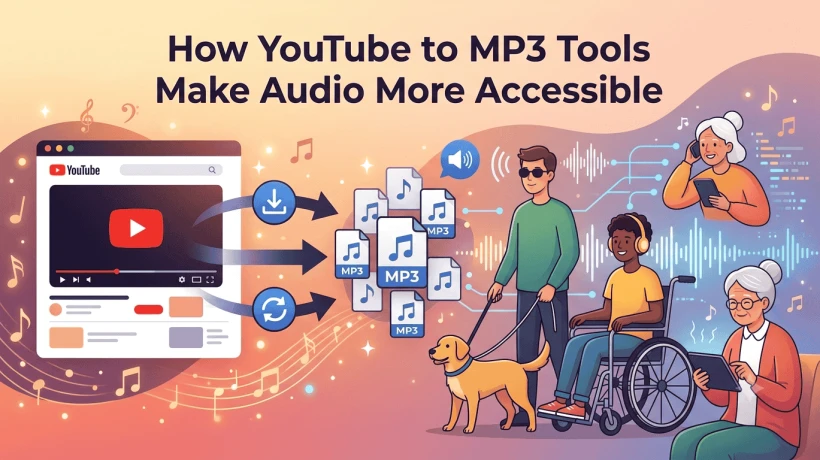
Learn how YouTube to MP3 tools improve audio accessibility by making content easier to save, listen to, and enjoy offline anytime.
Listening to audio is a main part of everyday life. People use it for songs, podcasts, interviews, lectures, and skill-based learning content. No one wants to stream video whenever they only need to enjoy the audio part of the video.
This is where a YouTube to MP3 converter tool can be helpful. They can extract the audio part from the supported video, making it an MP3 file that can be enjoyed without staring at the mobile screen. Tools such as Flvto are one of the online converters that allow users to access audio in a more convenient way.
What Are YouTube to MP3 Tools?
YouTube to MP3 tools are media conversion tools that can convert the video into an MP3 audio file online in just a few steps.
People prefer offline audio access instead of watching the full video again and again. This can be helpful for users who only want to enjoy the audio part, such as music, podcasts, motivational speeches, interviews, and many more audio content.
But keep in mind that you should only convert and download content when you have permission to do so or when content comes under Creative Commons use or gives permission to download.
How Do These Tools Improve Audio Access?
1. They Make Listening More Convenient
Video streaming requires a screen, but audio can be played while doing other activities. Once permitted content is saved as an audio file, users can listen while walking, commuting, exercising, or doing household tasks.
This makes information and entertainment easier to fit into a busy schedule.
2. They Support Offline Listening
Internet access is not always available. People may travel through areas with weak connections or have limited mobile data.
A permitted audio file can be stored on a device and played offline. This means users do not need to continuously stream the original video.
3. They Can Save Mobile Data
Streaming video uses more data than listening to an audio file because video contains both visual and audio information.
For content where the visuals are not important, using an audio-only version can reduce data usage. This can be especially useful for people with limited mobile data plans.
4. They Help With Educational Content
YouTube contains many educational resources, including lectures, tutorials, interviews, and language-learning videos.
Converting permitted educational content into audio can make it easier for students and learners to review information while traveling or doing other tasks. They can listen to explanations without needing to keep their eyes on a screen.
5. They Make Long Content Easier to Manage
Some online videos are very long. Watching a two-hour lecture or interview may not always be convenient.
An audio version allows listeners to focus only on the spoken information. It can also make it easier to use headphones and continue listening when the screen is not needed.
How Flvto Can Help
Flvto is an example of an online conversion platform designed to make audio conversion simple. Instead of requiring advanced technical knowledge, users can work through a browser-based interface when the service supports the content they want to convert.
For beginners, a straightforward interface can make the process easier to understand. Users should still check the site's current terms and only convert content they are legally allowed to download.
Is MP3 a Good Format for Everyday Listening?
MP3 remains a popular audio format because it offers a practical balance between quality and file size.
An MP3 file is generally smaller than many uncompressed audio formats. This makes it convenient for storing multiple files on a phone, computer, or other device.
However, MP3 uses compression, which can reduce some audio detail. The effect depends on the source quality and encoding settings. For everyday listening, many users find MP3 convenient because it does not require a large amount of storage.
YouTube to MP3 vs. Video Streaming
Both formats have their own advantages.
|
Feature |
Video Streaming |
Audio File |
|
Internet required |
Usually yes |
Not after permitted download |
|
Screen needed |
Yes |
No |
|
Data usage |
Usually higher |
Usually lower |
|
Storage needed |
No local storage required |
Requires device storage |
|
Best for |
Visual content |
Listening-focused content |
The better option depends on the type of content and how you plan to use it.
Tips for Better Audio Access
To get a better listening experience, keep a few things in mind:
-
Choose a suitable audio quality for your needs.
-
Keep enough storage space available.
-
Use a reliable media player.
-
Organize downloaded files into folders or playlists.
-
Avoid suspicious conversion websites and unknown downloads.
-
Respect copyright and the creator's download restrictions.
Final Thoughts
YouTube to MP3 tools can make audio content more accessible by extracting the audio part from the video. They can be helpful for users who are looking for offline listening, minimal use of the internet, and enjoying content without keeping an eye on the screen every time.
Services such as Flvto can make the conversion process simple for supported content. Still, convenience should always be balanced with safety and copyright awareness. When used responsibly and for content that users are permitted to download, audio conversion can provide a flexible way to enjoy useful information and entertainment.


Comments
Login to Comment