How to Search EML Files Without Opening Each Email?
19 Jun, 2026
1339 Views 0 Like(s)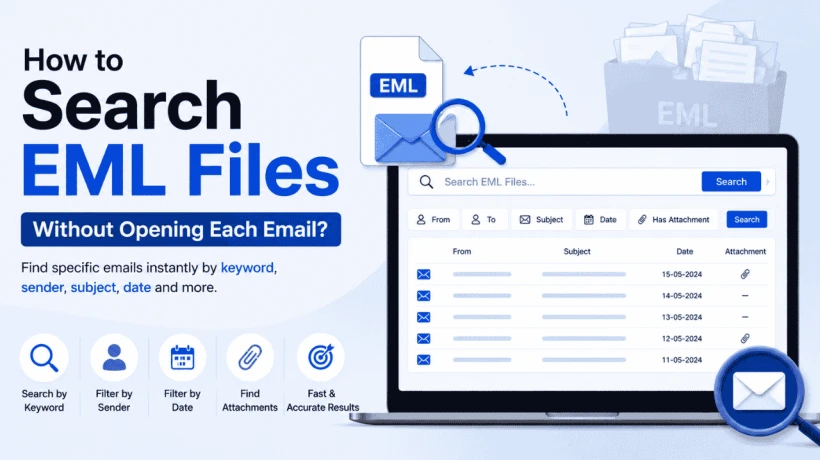
Learn how to search EML files without opening each email. Discover simple and efficient methods to find emails by keyword, sender, subject, date, and attachments quickly.
EML files are commonly used to store individual email messages and are supported by various email clients such as Windows Mail, Mozilla Thunderbird, Apple Mail, and Outlook Express. As the number of EML files grows, finding a specific email can become difficult. Whether you need to locate an important message, search for keywords, or find emails from a particular sender, knowing how to search EML files efficiently can save significant time and effort.
This article explains different methods to search EML files and helps you choose the best approach based on your requirements.
What Are EML Files?
An EML file is a standard email file format that stores a complete email message, including:
-
Email headers (sender, recipient, subject, date)
-
Message body
-
Attachments
-
Formatting information
Since EML files are saved individually, organizations and users often accumulate thousands of files over time, making manual searching challenging.
Why Do Users Need to Search EML Files?
There are several reasons why users may need to search inside EML files:
-
Locate important emails quickly
-
Perform email investigations
-
Access archived email records
-
Search emails by sender, recipient, or subject
-
Find specific keywords within email content
-
Retrieve emails containing attachments
-
Meet legal and compliance requirements
Manual Methods to Search EML Files
Method 1: Use Windows Search
Windows Search can index EML files and help locate emails based on file content.
Steps:
-
Store all EML files in a folder.
-
Open File Explorer.
-
Navigate to the folder containing EML files.
-
Enter keywords in the search box.
-
Windows displays matching EML files.
Limitations
-
Slow when searching large collections.
-
Search results may be incomplete.
-
Limited filtering options.
-
May not search attachment content effectively.
Method 2: Open EML Files Individually
Another method is manually opening EML files using an email client and searching for required information.
Steps:
-
Open an EML file in a supported email application.
-
Review the email content.
-
Repeat the process for additional files.
Limitations
-
Extremely time-consuming.
-
Impractical for thousands of EML files.
-
Increased risk of missing important emails.
Professional Solution to Search EML Files Efficiently
For organizations, investigators, and users handling large EML collections, a professional EML search solution offers a more reliable approach. We recommend using Best Free EML Viewer Tool by FreeViewer.
Advanced EML search tools allow users to:
-
Search EML files in bulk.
-
Find emails using keywords and phrases.
-
Search by sender, recipient, subject, and date.
-
Preview email content before exporting.
-
Search attachment information.
-
Generate accurate search results within seconds.
These tools are especially useful for legal investigations, eDiscovery projects, compliance audits, and corporate email management.
Key Features of an EML Search Tool
When selecting a solution to search EML files, look for features such as:
Advanced Keyword Search
Search emails using:
-
Single keywords
-
Multiple keywords
-
Exact phrases
-
Boolean operators
Search by Email Properties
Filter emails based on:
-
Sender
-
Recipient
-
Subject
-
Date range
-
Attachment status
Bulk EML File Processing
Analyze and search thousands of EML files simultaneously without opening them one by one.
Email Preview
Preview matching emails before exporting or saving search results.
Attachment Search
Identify emails containing attachments and locate relevant information quickly.
Export Search Results
Export filtered emails into formats suitable for reporting and review.
Benefits of Using an EML Search Solution
Using a dedicated tool provides several advantages:
-
Faster email discovery
-
Accurate search results
-
Reduced manual effort
-
Better email organization
-
Improved productivity
-
Enhanced compliance and investigation capabilities
Best Practices When Searching EML Files
To achieve better results:
-
Organize EML files into structured folders.
-
Use specific keywords instead of broad terms.
-
Apply date filters whenever possible.
-
Maintain email archives regularly.
-
Use advanced search filters for precise results.
Conclusion
Searching through a few EML files manually may be manageable, but handling hundreds or thousands of email files requires a more efficient approach. While Windows Search and manual review can help in small cases, they often become slow and unreliable for larger datasets.
A professional solution to search EML files provides advanced filtering, bulk processing, and accurate search capabilities, making it the preferred option for businesses, investigators, legal professionals, and users who need quick access to important email information. By implementing the right search method, you can locate critical emails faster and manage your EML data more effectively.



Comments
Login to Comment