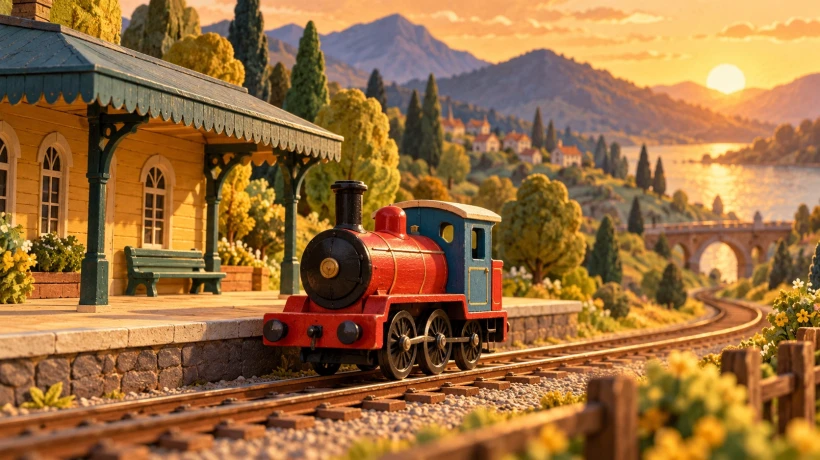
A small train reaches a station, and the clip ends. Did the viewer see an arrival, or only a red object passing a yellow building? The difference can be a clear final position and a moment in which nothing else starts happening.
When planning a five-second trial with a free AI video generator that requires no signup, decide what should remain visible at the end before polishing the movement. “The train is resting beside the platform” gives the shot a readable destination.
The miniature railway in this guide is fictional. Its illustrations and prompts are planning examples, not frames from a generated video or a report of a tool test.
Start with the result the viewer needs to recognize
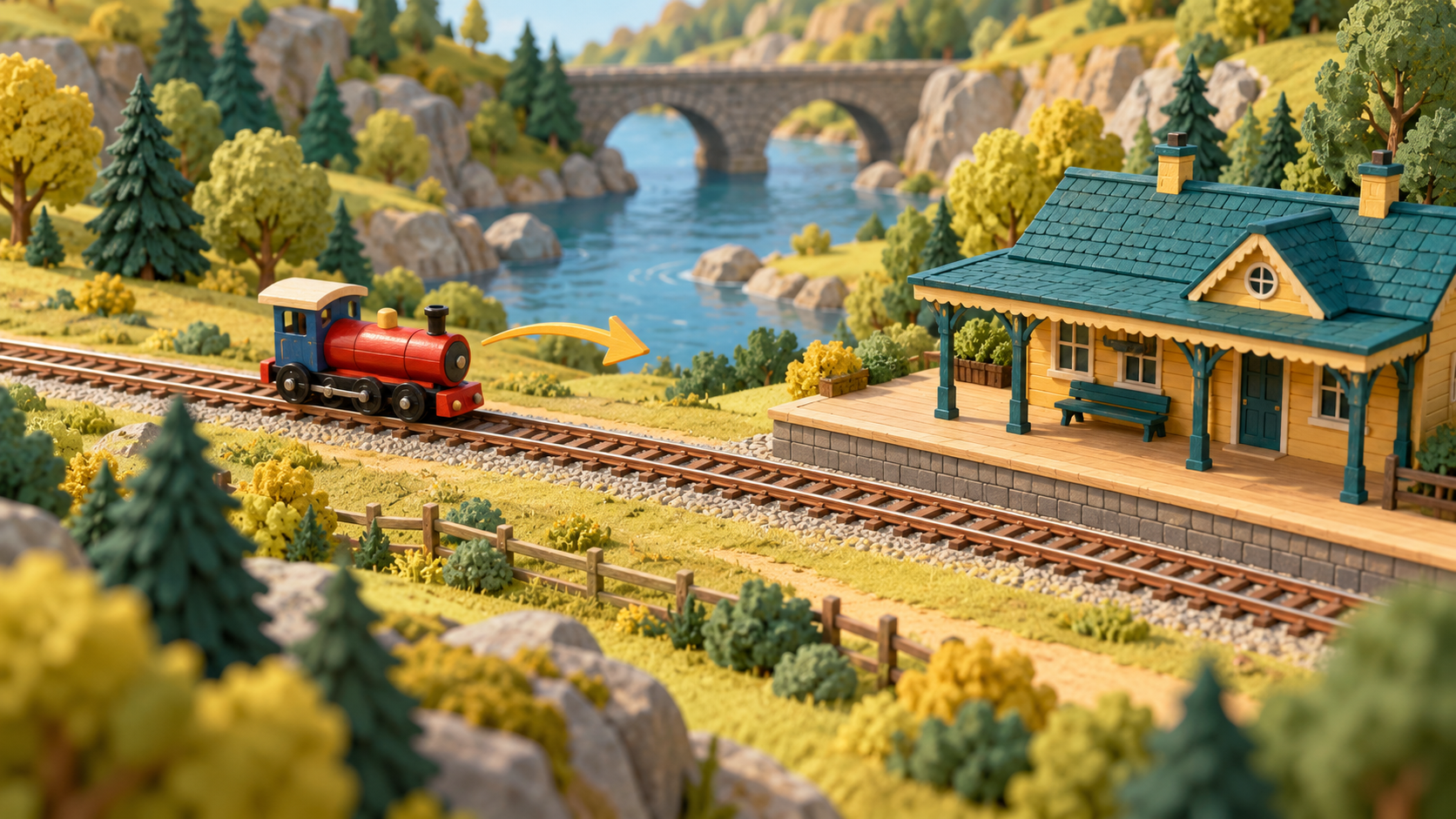
For this example, the whole explanation is: a red toy locomotive arrives at a small station and stays there. There are no passengers, carriages or departure to explain. The station supplies a landmark, and the train’s final relationship to it supplies the result.
Write that relationship plainly:
At the end, the whole locomotive is beside the yellow platform, facing right, with empty track still visible ahead.
That sentence is more useful than “end beautifully.” You can use it when choosing the framing, preparing images and inspecting a preview. A train halfway outside the picture would not meet it, even if the lighting looked attractive.
Leave space for the stopping place in your composition. A tight view of the wheels could show movement well but hide the station. A wide view that makes the train too small could hide the arrival. Choose a view in which both the subject and destination are easy to locate.
Give arrival and rest different jobs
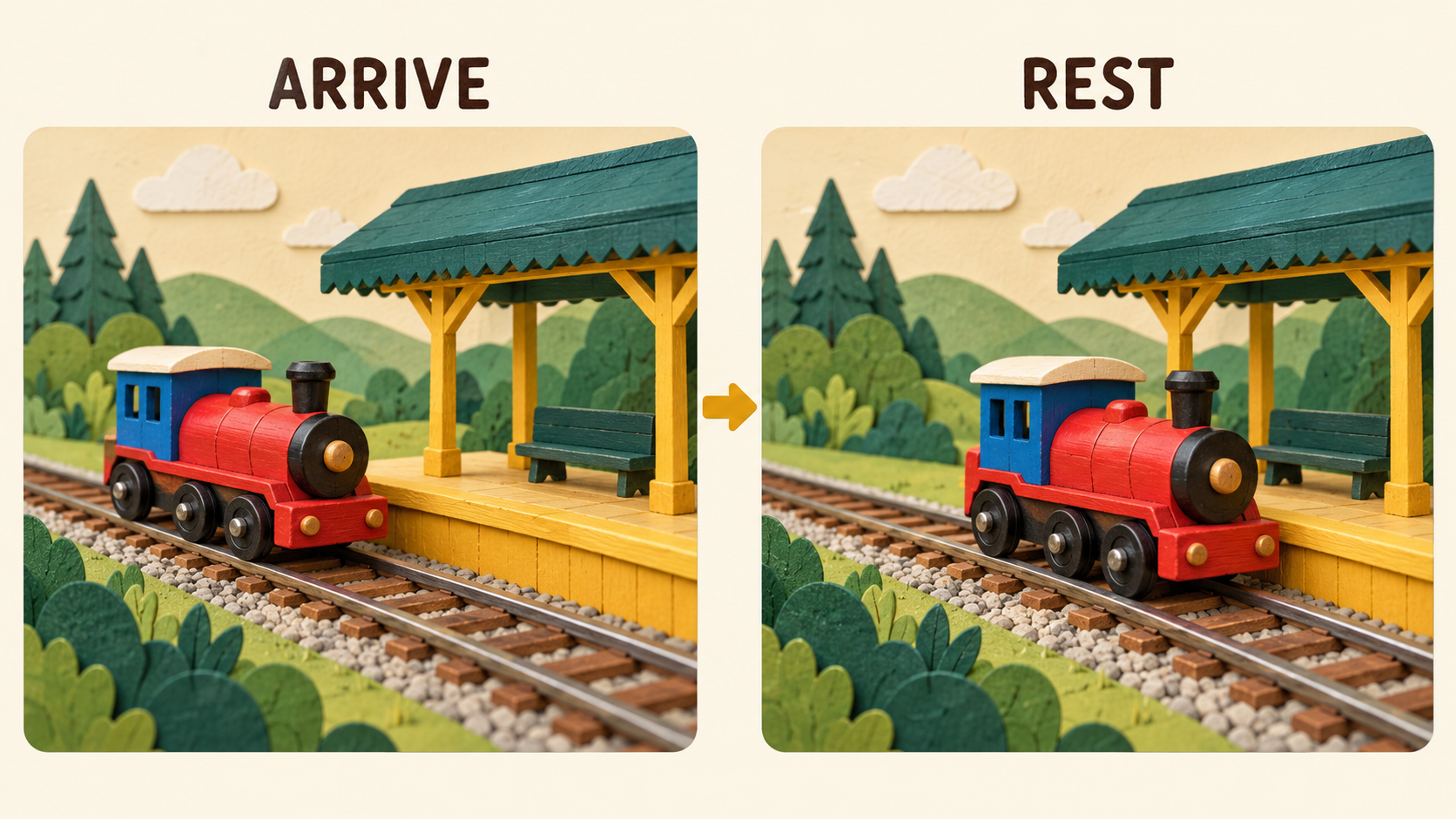
Sketch three intended moments: the train approaches; it reaches the platform; it remains at rest. These are a plan for the information in the shot, not three compulsory camera cuts.
The approach establishes direction. The arrival changes the relationship between train and station. The rest lets the viewer recognize that the journey has finished. If the train immediately reverses, emits a dramatic burst of smoke or starts a second action, that new event competes with the ending you wanted.
You do not need to assign exact timestamps to these moments. A prompt can request a gentle arrival followed by stillness; that does not establish frame-accurate timing control. Keep the planned ending simple enough that you can tell whether a candidate expresses it.
Write the stopping state into the prompt
A starting text prompt could be:
One small red toy locomotive with a blue cab approaches a honey-yellow station platform along a straight track. It moves gently from left to right, stops completely beside the platform and remains there before the shot ends. Keep the whole locomotive visible, with clear track ahead. Fixed side view, one continuous shot, no departure or scene change.
The final words are there to protect the shot’s purpose. They are not a guarantee that every instruction will be followed. After a preview exists, the relevant question is whether its visible action reaches the intended state.
If you choose the image route, prepare two complete endpoints: the train approaching the platform, then the same train resting beside it. Preserve the locomotive’s appearance, station, track and viewpoint. The current free form requires both the starting and ending images; a single reference image does not complete this route.
Do not make the end image an attractive but different railway scene. If the platform changes position or the engine gains carriages, the transition has acquired another job before you have settled the arrival.
Inspect the last part without narrating over it
Watch the ending at ordinary playback speed. Then pause near the final view if you need to locate a problem. Ask:
- Has the train actually stopped, or is it still crossing the frame?
- Can I see its relationship to the platform?
- Does another event begin before I have understood the arrival?
Keep the answer visible and specific. “The front leaves the picture” gives you a framing issue to address. “It needs more cinema” does not tell you what to change.
A candidate can have a useful arrival but an unnecessary extra movement at the end. In that case, an external editor might let you trim to the clear part. If a suitable final view exists, holding that view is another editorial option. Trimming cannot supply an arrival that never happened; choose a new candidate or a different way to explain the idea when the needed state is missing.
Try one ending, then choose the next step
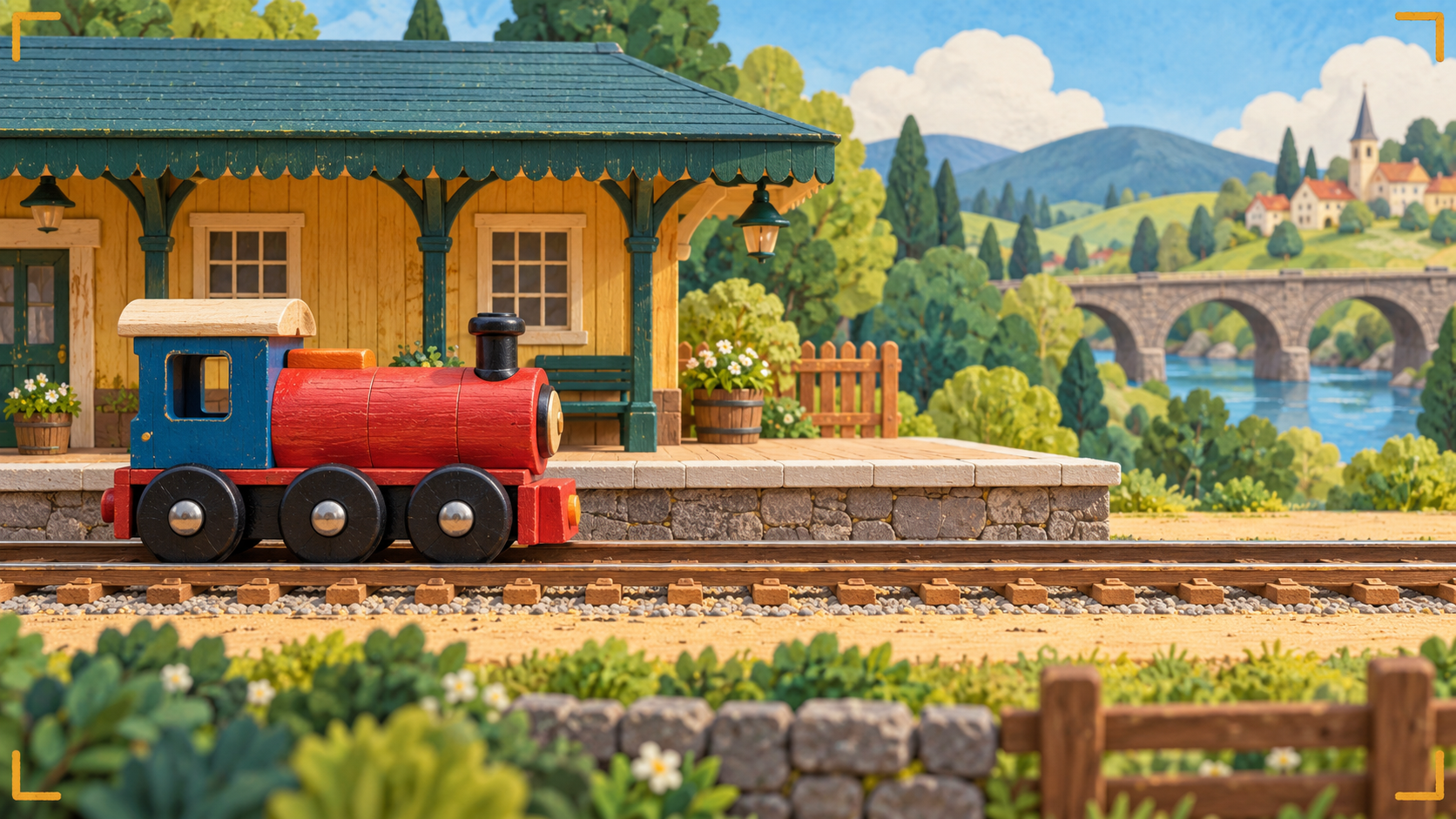
The AI VideoWeb free AI video generator can provide the short candidate for this arrival study. As documented on 29 October 2026, the general free form displays five seconds, 480p and 0 credits, with text or ordered start-and-end images and three frame shapes. It requires no signup, describes unlimited total generations, and can still involve verification and queue waiting.
For this task, another attempt should have a named purpose: keep the whole train in frame, simplify the approach or make the requested stopping state clearer. You are trying to communicate a destination, rather than accumulating different-looking trains.
Once the final view makes the arrival understandable, save the useful file and its prompt. Carry a short note into the edit: “Keep the station and the resting locomotive visible together.” That instruction preserves the point of the shot when someone later trims it into a larger article or sequence.
Disclosure: This article was prepared by the AI VideoWeb team at FLAQ TECH PTE. LTD., with AI assistance for writing and illustrations.


Comments
Login to Comment