Why Smart Users Don't Depend on Gmail Alone for Important Emails
01 Jun, 2026
1488 Views 0 Like(s)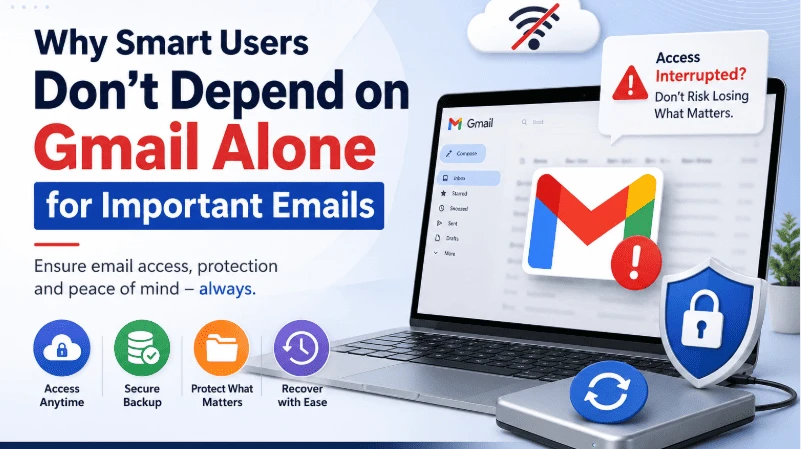
Don't let important emails become inaccessible when account issues strike. Learn why maintaining a backup of your Gmail data is essential for security, continuity, and peace of mind.
Email has become the center of both personal and professional communication. From invoices and contracts to client discussions and account notifications, years of valuable information often sit inside a single Gmail account.
Most users assume their emails will always be available whenever needed. In reality, access to email can be interrupted by several factors. Internet outages, accidental account lockouts, browser issues, storage limitations, synchronization problems, and temporary service disruptions can all prevent users from reaching important messages at critical moments.
This is why organizations and experienced users increasingly view email accessibility and email ownership as two different things.
The Hidden Risk of Cloud-Only Email Storage
Cloud email services offer convenience, but convenience should not be confused with complete protection.
Many users discover this difference only when they urgently need access to a document, client conversation, or historical email thread and cannot retrieve it immediately.
Consider a few common situations:
-
A user forgets account credentials and cannot regain access quickly.
-
An employee leaves an organization and mailbox access changes.
-
Internet connectivity becomes unavailable during travel.
-
Shared storage reaches its limit and email operations become affected.
-
Critical emails need to be preserved for compliance or legal purposes.
In each scenario, the information still exists, but access becomes difficult or delayed.
Why Businesses Maintain Independent Email Copies
Organizations handling customer communication rarely rely on a single copy of their email data.
Instead, they maintain separate backups to ensure:
-
Long-term record retention
-
Regulatory compliance
-
Business continuity
-
Faster recovery from account issues
-
Protection against accidental deletion
This approach reduces dependence on a single platform and gives organizations greater control over their information.
Local Email Archives Create an Additional Layer of Protection
A local email archive serves as an independent copy stored outside the live mailbox environment.
The benefits include:
Access During Service Interruptions
When online access becomes unavailable, archived emails remain accessible from local storage.
Protection Against Accidental Deletion
Important messages removed from the mailbox can still exist within the backup archive.
Historical Record Keeping
Organizations often need to preserve years of communication for auditing, legal, or operational purposes.
Easier Data Migration
When moving between email providers, archived email data can simplify migration projects.
When Users Start Looking for Backup Solutions
Most people begin considering backups after experiencing a disruption.
For example, users searching for solutions related to Gmail not working often realize that troubleshooting restores access but does not create an independent copy of important information.
A backup strategy addresses a different concern altogether: ensuring emails remain available regardless of what happens to the account, device, or service.
What to Look for in an Email Backup Solution
An effective email backup platform should provide:
-
Complete mailbox backup
-
Incremental backup support
-
Multiple export formats
-
Selective backup filters
-
Secure local storage options
-
Backup of contacts and calendars
-
Easy restoration capabilities
These features help users maintain control over their communication records without depending solely on cloud availability.
Preserving More Than Just Emails
Modern Gmail accounts contain much more than messages.
Users frequently store:
-
Contacts
-
Calendars
-
Attachments
-
Shared documents
-
Business records
A comprehensive backup approach should account for all critical data associated with the account.
Conclusion
Cloud email services have transformed the way people communicate, collaborate, and store information. However, relying exclusively on a live mailbox can create unnecessary risk.
Whether the concern is accessibility, compliance, migration, or long-term retention, maintaining an independent backup remains one of the simplest ways to protect valuable communication records.
For users looking to create secure copies of their mailbox data, the Gmail Backup Tool provides a practical way to preserve emails, contacts, calendars, and related account information on local storage for future access and recovery.



Comments
Login to Comment