Step-by-Step: Moving Your Infrastructure from Exchange 2019 to SE
07 Mar, 2026
5620 Views 0 Like(s)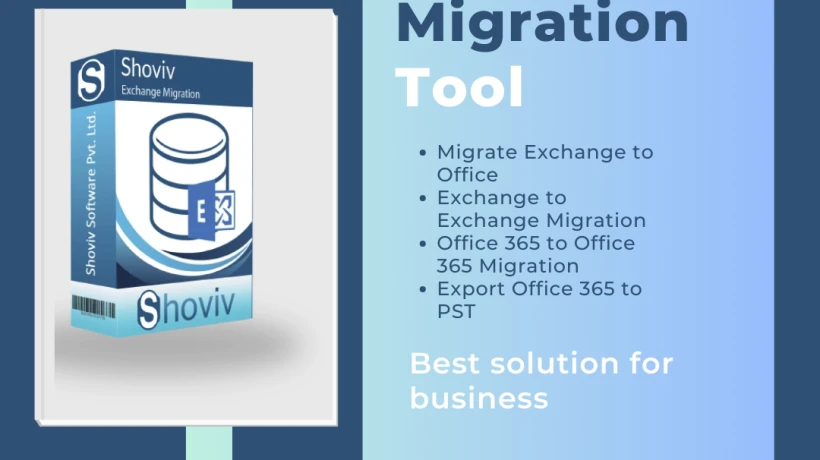
Upgrading from Microsoft Exchange Server 2019 to Microsoft Exchange Server Subscription Edition improves security, performance, and long-term support. The upgrade ensures continued updates, better protection against threats, and a modernized messaging environment while maintaining existing mailboxes, configurations, and organizational email functionality.
Upgrading from Exchange Server 2019 to Exchange Server Subscription Edition (SE) is a crucial step for organizations aiming to stay current with Microsoft’s evolving Exchange ecosystem. Exchange SE offers continuous updates, improved security, and better integration with modern Microsoft 365 services. Below, I’ll walk you through the process, highlighting preparation, migration options, and best practices.
Exchange 2019 to SE Pre-Migration
Before starting the upgrade, preparation is key.
- System Requirements: Verify hardware and software compatibility with Exchange SE.
- Backups: Always take full backups of databases, mailboxes, and system configurations.
- Active Directory Health: Ensure AD is properly functioning, as Exchange heavily depends on it.
- Permissions: Confirm administrative rights for migration tasks.
- Testing Environment: If possible, simulate the migration in a test lab to identify potential issues.
Manual Migration: Why I Avoid It
Manual migration involves exporting mailboxes to PST files and re-importing them into Exchange SE. While technically possible, it’s inefficient and risky:
- Time-Consuming: Large organizations with thousands of mailboxes face significant delays.
- Data Loss Risks: Manual handling increases chances of corruption or incomplete transfers.
- No Automation: Lacks advanced filtering, scheduling, or incremental migration.
- Limited Scalability: Not practical for enterprises with complex Exchange environments.
For these reasons, manual migration is rarely recommended in professional settings.
Professional Shoviv Exchange Migration Tool
Shoviv Exchange Migration Tool simplifies the upgrade process by offering automation, reliability, and flexibility.
- Direct Migration: Move mailboxes from Exchange 2019 to Exchange SE without intermediate steps.
- Incremental Migration: Prevents duplication and ensures smooth continuation after interruptions.
- Large Mailbox Handling: Efficiently manages oversized mailboxes without performance issues.
- Multiple Targets: Supports migration to PST, Office 365, and Live Exchange alongside SE.
- User-Friendly Interface: Designed for administrators with minimal technical complexity.
This tool reduces downtime and ensures data integrity, making it a preferred choice for enterprises.
Migration Steps
- Install Exchange SE: Set up the new environment with required configurations.
- Launch Shoviv Tool: Connect both source (Exchange 2019) and destination (Exchange SE).
- Select Mailboxes: Choose specific or all mailboxes for migration.
- Apply Filters: Use date or item-type filters to migrate only relevant data.
- Run Migration: Start the process; the tool ensures smooth transfer with real-time monitoring.
- Incremental Export: Resume interrupted migrations without duplicating data.
- Validation: Verify migrated mailboxes in Exchange SE for accuracy and completeness.
Post Migration Guidelines
After migration, follow these best practices:
- Testing: Confirm mail flow, mailbox accessibility, and client connectivity.
- DNS Updates: Adjust DNS records to point to the new Exchange SE environment.
- User Communication: Inform users about the upgrade and any changes in access.
- Monitoring: Use Exchange Admin Center and logs to monitor performance.
- Backup Strategy: Establish regular backups for the new environment.
- Decommission Old Server: Once confident, safely retire Exchange 2019 servers.
Conclusion
Upgrading from Exchange 2019 to Exchange SE is a strategic move that ensures long-term support, enhanced security, and seamless integration with Microsoft’s modern ecosystem. While manual migration is possible, it’s inefficient and risky. Professional tools like Shoviv Exchange Migration Tool streamline the process, offering automation, reliability, and scalability. With proper preparation, structured migration steps, and diligent post-migration checks, organizations can achieve a smooth transition and unlock the full potential of Exchange SE.



Comments
Login to Comment